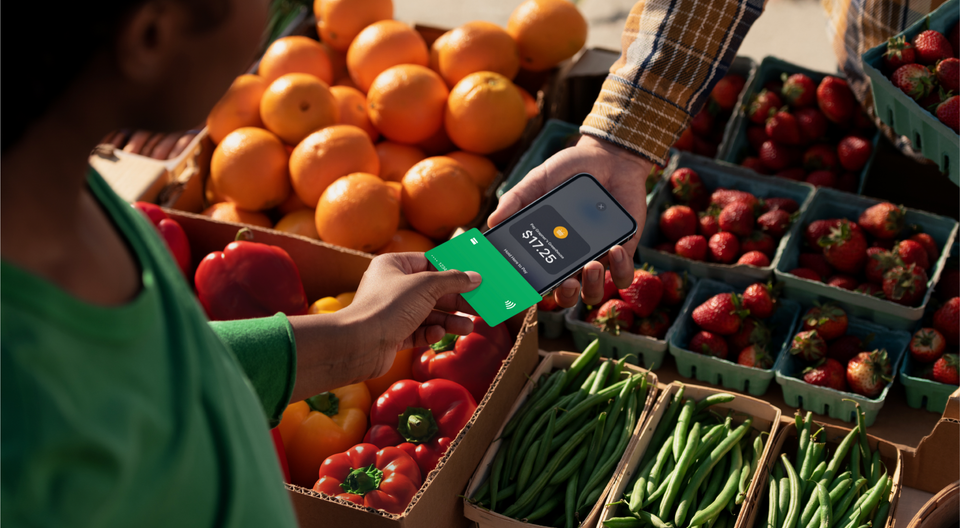
Yes, you can take card payments on an iPhone without a reader. Tap to Pay on iPhone turns the phone you already own into a contactless terminal, and with the Payment app it connects to the Stripe account you already have. There is no dongle to pair and nothing extra to charge overnight.
Can I really take card payments on my iPhone without a reader?
In most cases, yes. A customer holds a contactless card or a phone with a wallet near your iPhone, and the payment lands in your Stripe account like any other in-person sale. We have found this is the part merchants are most surprised by, because for years the answer was a small plastic reader and a tangle of accessories. There are a few situations where a physical reader still earns its place, and we cover those near the end.
Which iPhones and iOS versions work?
You will need:
- An iPhone XS or later
- iOS 18 or later, which the Payment app requires
- A Stripe account in one of the 22 countries where Stripe offers Tap to Pay on iPhone, including the US, Canada, the UK, Australia and much of Europe
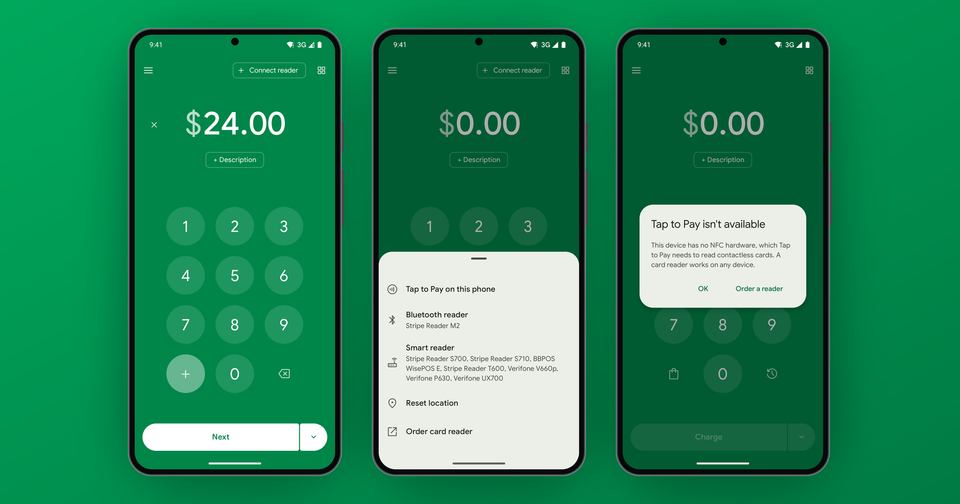
Stripe lists 17 more countries in preview, and its Tap to Pay documentation keeps the current list. iPad will not work, since it does not have the NFC hardware needed to accept contactless payments.
How do I set it up with my Stripe account?
Download the Payment for Stripe app and sign in with Stripe. Then open the menu (the person icon at the top left) and tap Enable Tap to Pay on iPhone. That option only shows on phones that support it, so if you do not see it, your iPhone or setup is the first thing to check.
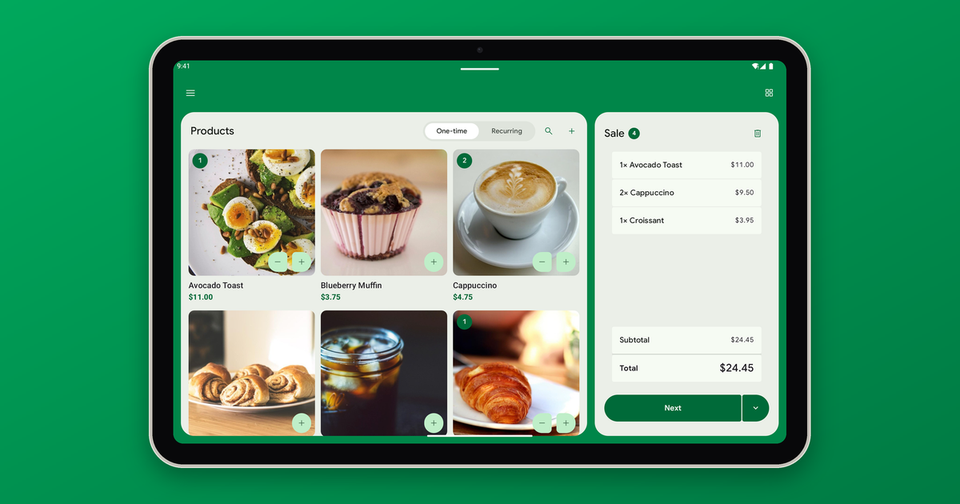
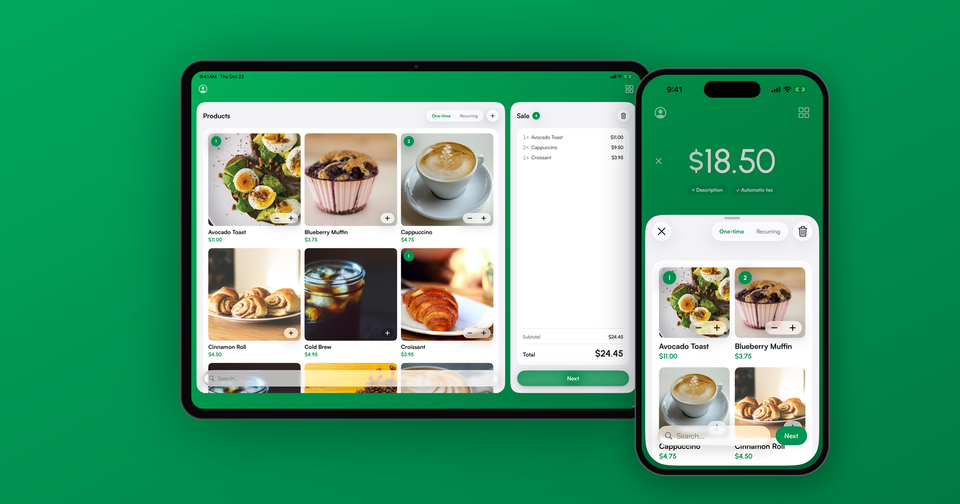
To take a sale, enter the amount or add products to the cart, tap Next, then tap Begin Transaction. Your customer taps their card or phone on the top of your iPhone, and the sale shows up in Payments in the app and in your Stripe Dashboard.
Which cards and wallets can customers tap?
Contactless cards and mobile wallets such as Apple Pay, Google Pay and Samsung Pay. Tap to Pay does not read a chip pushed into a slot or a magnetic stripe, because there is no slot to push it into. If a customer only has a card without a contactless symbol, you can type the card number into the app instead. There is no extra app fee for typed cards, but Stripe charges its online rate (2.9% + 30¢ in the US) for a manually entered card, instead of the lower in-person rate.
What about PINs and cards that need to be inserted?
Tap to Pay on iPhone supports PIN entry on screen, so most cards that ask for a PIN still work with a tap. Wallet payments such as Apple Pay rarely ask for one. Three countries are the exception. In Canada and Finland, many cards are offline-PIN only, which means the card has to be inserted for the customer to enter a PIN. In the UK, depending on the bank, Strong Customer Authentication can require some cards to be inserted. In those cases the payment declines before a PIN prompt ever appears, and the fix is a reader with a PIN pad, such as the WisePad 3, kept nearby.
Imagine the following scenario: you run a booth at a weekend market. Nearly everyone taps a card or a phone, and your iPhone handles all of it. Then someone hands you an older chip-and-PIN card. A small Bluetooth reader in the cash box covers that one customer, without changing anything else about how you take payments.
What does it cost?
In the US, Stripe charges its in-person rate of 2.7% + 5¢, plus 10¢ per Tap to Pay authorization. The Payment app adds 1.2% per sale, with a 15¢ minimum. There is no monthly fee and no contract, which matters if your in-person volume is seasonal or only occasional. Rates differ by country, so check Stripe's pricing page and ours.
When should I use a reader or something else instead?
Tap to Pay always needs an internet connection, so it cannot queue payments offline. A Bluetooth reader such as the Stripe Reader M2 can, once you turn on offline payments. Our guide to which Stripe card reader to buy compares the options. A reader is also the answer when customers regularly pay with chip-and-PIN cards. In addition, if the customer is not standing in front of you, send an invoice or a payment link instead. If someone pays in cash, you can record it in the app so every sale still lives in one place.