Yes, you can take card payments with Stripe when the internet is down, but it depends on how your reader connects, not just which reader you own. With the right setup the app saves the payment on your device and sends it to Stripe once you're back online. The catch is that nobody checks the card until then.
How does offline mode store and forward payments?
An offline payment isn't authorized when the customer pays. It waits on your device and syncs when you reconnect. Stripe says queued payments should sync within about 24 hours, so reconnect as often as you can, and Stripe caps how much you can hold offline based on your account history.
Which readers support offline payments (and which don't)?
Two setups work:
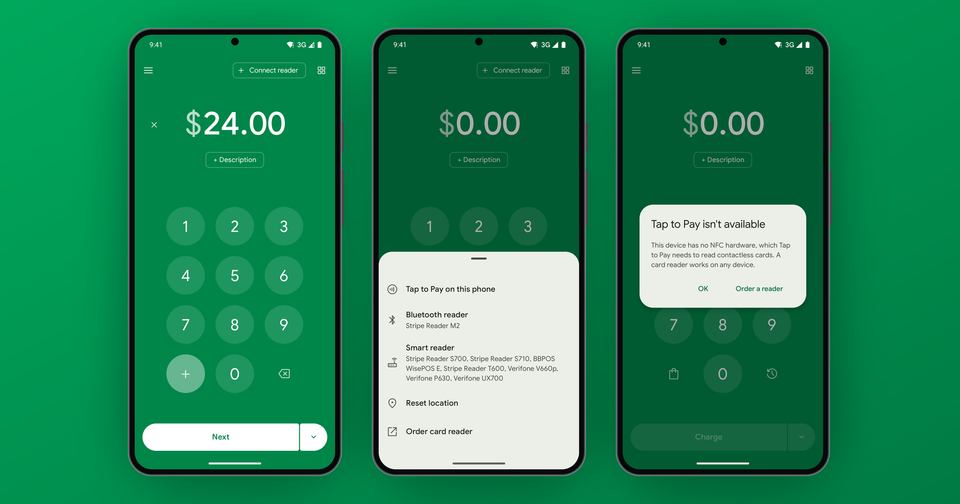
- A Bluetooth reader paired to your phone. The Stripe Reader M2, BBPOS WisePad 3 and BBPOS Chipper 2X BT all take offline payments.
- A Stripe Reader S700 or S710 running the app on the device itself.
However, pair that same S700 or S710 to your phone over Wi-Fi and it won't work offline. In that setup the reader processes the card on its own, so there's nothing for the app to queue locally. The BBPOS WisePOS E always needs a connection too. If you're still choosing hardware, our card reader buying guide covers the options.
Does Tap to Pay work offline?
No. Tap to Pay always needs a connection. Stripe's standalone mode on an S700, S710 or Verifone V660p doesn't have an offline mode either, so it needs internet. If you expect dead zones, bring a Bluetooth reader.
What can you charge while offline?
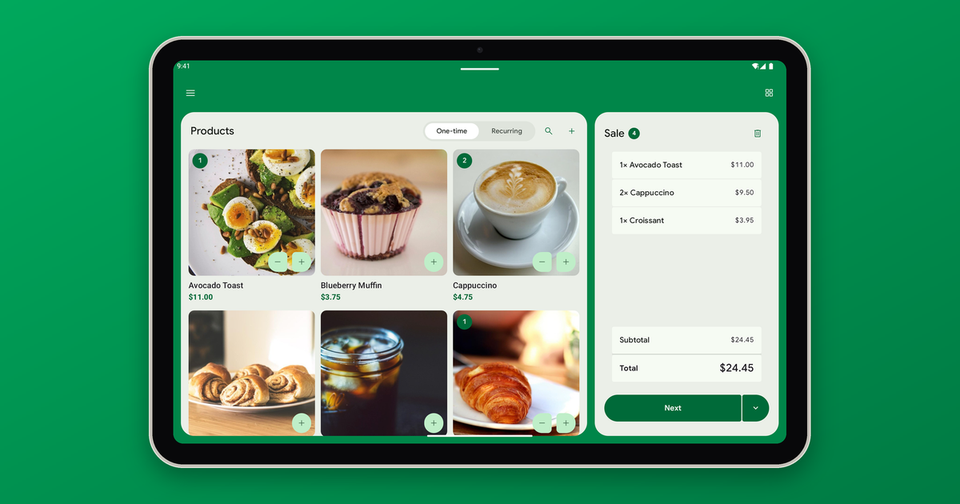
Offline charges are amount entry only. Products, customers, invoices and payment links all need a connection, so they're unavailable while you're offline. If you lose your connection with items already in your cart, the cart clears and the app tells you why, so just type the amount instead. The customer then taps, inserts or swipes their card on the reader as usual, but because nothing is checked in real time, you won't know whether that card works until the payment syncs.
What are the risks if a card is declined when you reconnect?
Normally Stripe verifies a card on the spot, so a stolen card or empty account gets turned away at the counter. Offline, that check is skipped. Imagine the following scenario:
A customer at your festival booth buys several pieces of merchandise with a stolen card. The reader accepts it, the customer walks away with the goods, and the decline only appears when your phone reconnects that evening.
In other words, a payment can decline at sync for the usual reasons: insufficient funds, an expired card or fraud. By then the customer has left, and the loss is yours. Unfortunately that's the tradeoff. We'd suggest offline mode for lower-value sales or customers you trust, which is generally where it's most useful anyway (markets, festivals, remote job sites). If a payment does decline later, our post on tracking down card declines explains what the codes mean.
How do you take offline payments in the Payment app?
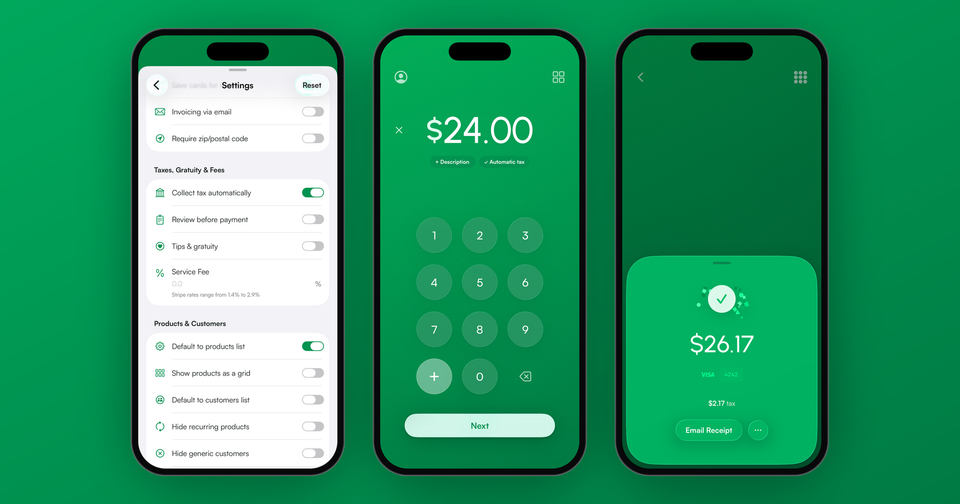
It's off until you turn it on. Open Settings, find the Card Reader section and switch on Allow offline payments. Then connect your reader from the menu, type the amount and take the card. Everything syncs once you're back online. The offline payments guide walks through the in-app steps, and you can reach us at support@pocketvendor.com if something doesn't behave.