Stripe is built for cards, but plenty of your customers still pay with cash. Until now, those sales lived somewhere else entirely, whether that was a notebook, a spreadsheet or a shoebox of receipts. With the latest version of Payment for Stripe, you can record a cash sale right in the app and it's saved in your Stripe account alongside every card payment.
We've heard this request from market vendors, churches, nonprofits and event booths for years, and we're excited to finally ship it.
How does recording a cash sale work?
First, open Settings and turn on Allow cash payments. It's a per-device setting, so you'll want to turn it on for each phone or tablet that takes cash.
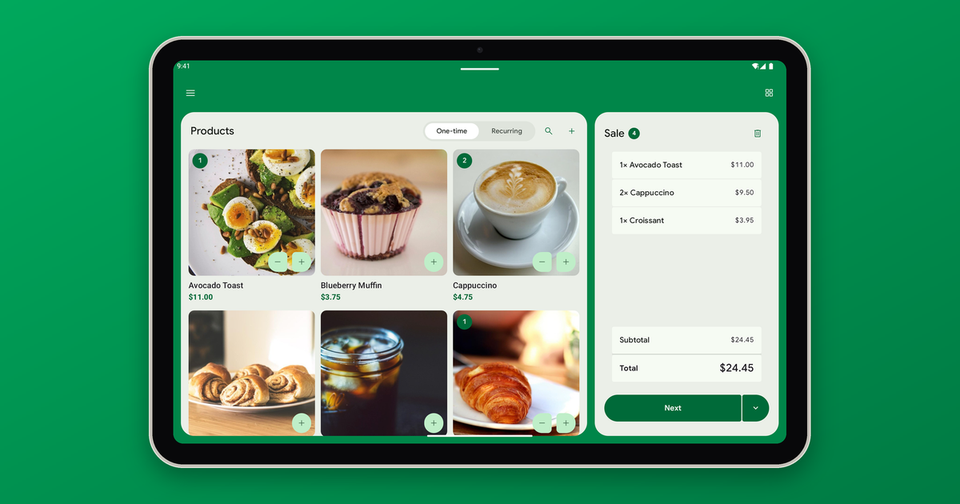
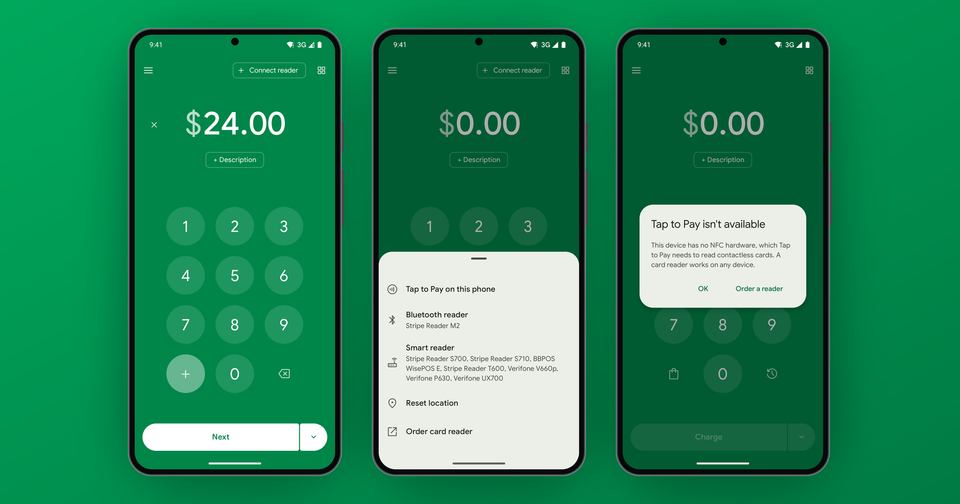
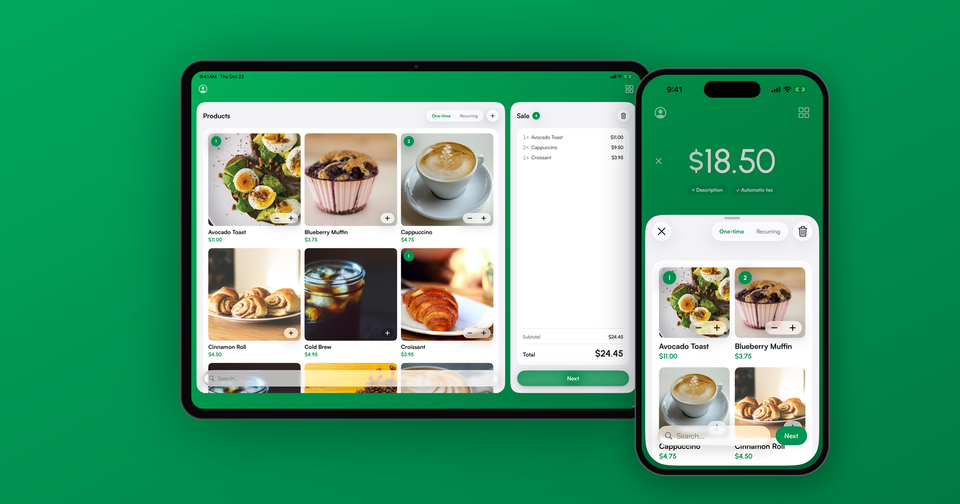
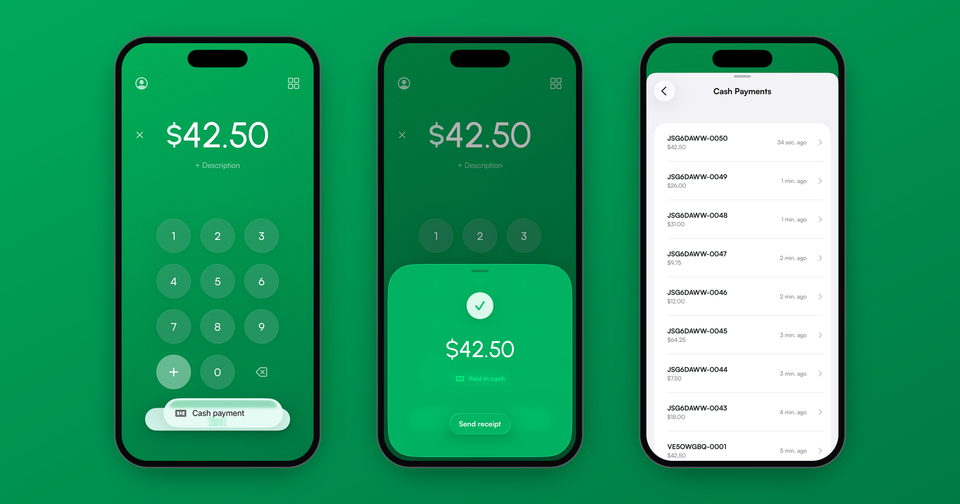
From there, ring up the sale exactly like you normally would. Type an amount or add products to your cart, then tap the … button next to Charge and choose Cash payment. You can add your customer's name and email if they'd like a receipt, and then tap Record cash payment. That's it. No card reader, no tap, no waiting.
Imagine the following scenario: A customer at your farmers market booth buys two jars of honey and pays with a twenty. Instead of scribbling it in a notebook, you add the honey to your cart, record it as cash and hand them their change. At the end of the day, every sale, card or cash, is in one place.
Where do the cash sales go?
Each cash sale is saved in your Stripe account as a paid invoice with the memo "Paid in cash." In addition, the invoice keeps the products you sold, so your product-level reporting stays complete.
You can find your cash sales in a few places:
- In the app, open the Stripe menu and choose Cash Payments.
- In the Stripe Dashboard, head to Invoices.
- For bookkeeping, export your invoices and filter the
payment_typecolumn tocash.
In the Stripe Dashboard's Payments list, cash sales show up as "Paid out of band." That's simply Stripe's way of saying the money changed hands outside of Stripe.
Can my customer get a receipt?
Yes. Right after you record the sale, tap Send receipt and share the link however you like, by text, email or any other app on your phone. Your customer opens the link and can download a proper receipt showing the amount paid and "Paid in cash."
Does it cost anything?
No. Recording a cash sale doesn't charge a card, so there's no Stripe processing fee, no app fee and no invoicing fee. You only pay our 1.2% fee when a card payment actually goes through Stripe.
Why don't cash sales show up in Gross volume?
Gross volume, the Payments export and the sales summary in the app only count payments that Stripe actually processed. Cash never touches Stripe, so it's left out on purpose. This keeps your card totals lined up with your payouts, which is generally what you want when you're reconciling your bank account at the end of the month.
Is there anything it can't do yet?
There are a few limits worth knowing about:
- You'll need an internet connection to record a cash sale.
- Refunds for cash sales happen in the Stripe Dashboard, by issuing a credit note on the invoice.
- Tips and service fees don't apply to cash sales.
- Subscriptions can't be paid in cash.
Cash payments are available now on both iPhone and Android. Just update to the latest version of Payment for Stripe from the App Store or Google Play.
See every way your customers can pay with Payment for Stripe
Learn more about recording cash payments: How do I record cash payments?