A virtual terminal is software that lets you type in a customer's card number to take a payment, no physical card reader required. It's how businesses take payments over the phone, process mail orders, or charge a card from an invoice. Search for "Stripe virtual terminal" and you'll find a confusing answer: Stripe doesn't market one.
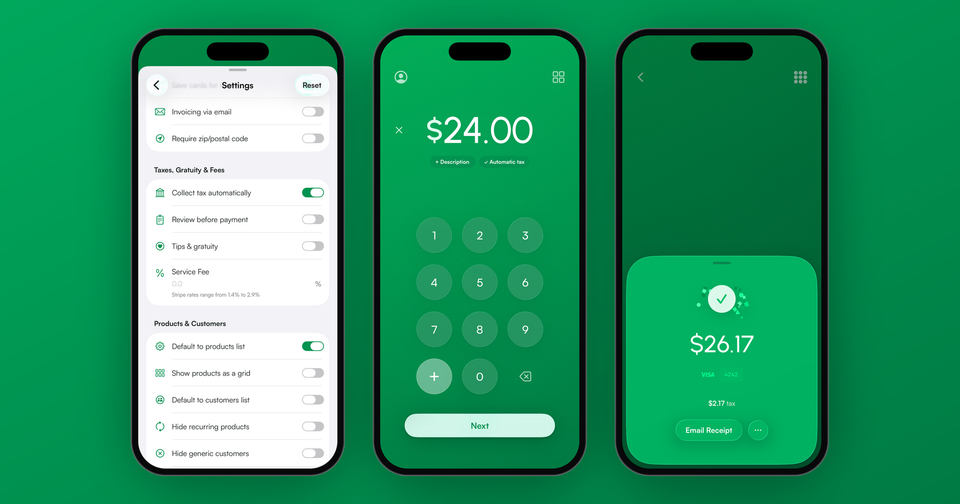
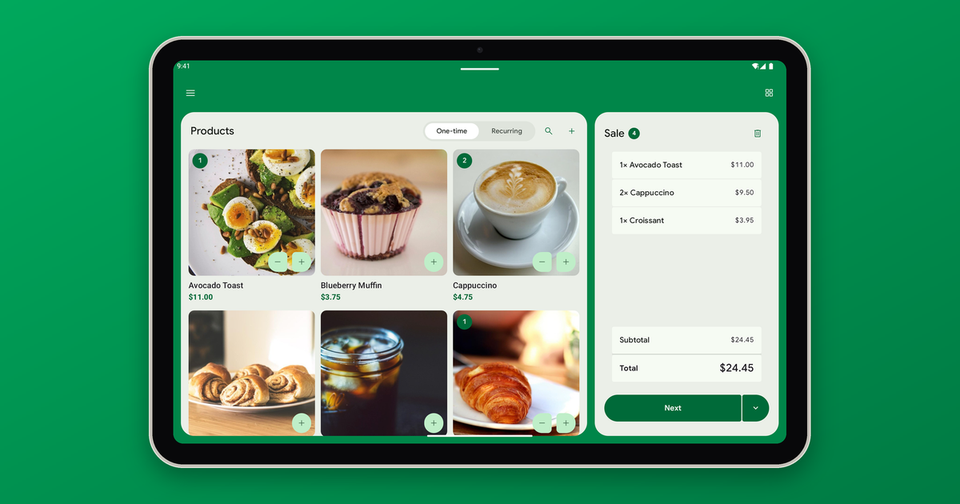
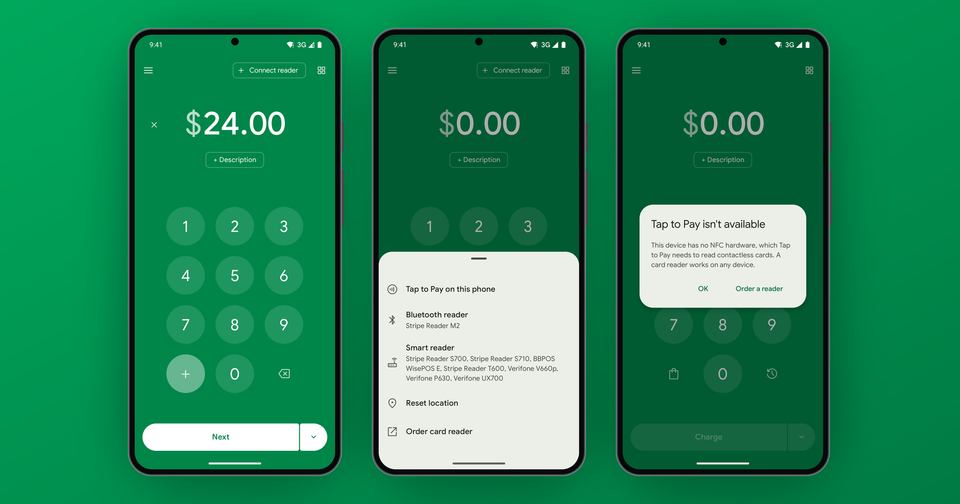
That's not quite the same as not having one. You can key occasional payments into the Stripe Dashboard, but it isn't built for daily checkout, and it's buried enough that most merchants never find it. The Payment app fills that gap by turning your phone into a full virtual terminal on top of your Stripe account, with manual entry, a product catalog, tips and receipts.
How do I manually enter a card with Stripe?
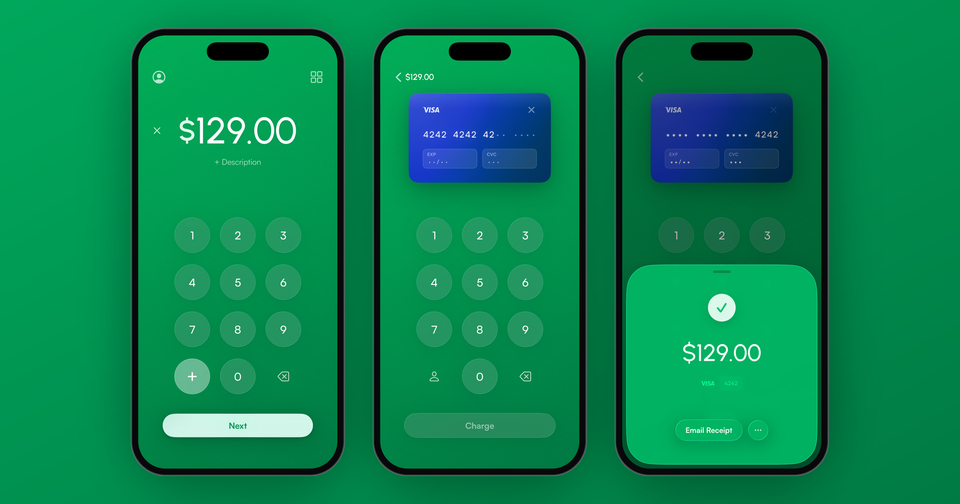
In the Payment app: enter the amount, choose manual entry, and type the card number, expiry and ZIP code. The charge processes through your Stripe account immediately, the same as any other payment. You can email a receipt, attach the charge to a customer, and see it in your Stripe Dashboard seconds later.
What does manual entry cost?
Manually keyed cards process at Stripe's card-not-present rate, which is 2.9% + 30¢ in the US, plus the Payment app's 1.2% per sale. There are no monthly fees and no contracts.
For comparison, in-person rates are lower: 2.7% + 5¢ with a card reader. If the card is physically in front of you, tapping or dipping it is generally cheaper than typing it in.
Is keying in cards safe?
Yes. Card data goes straight to Stripe over an encrypted connection and is never stored on your phone. In addition, Stripe Radar screens every keyed transaction against fraud patterns across the entire Stripe network.
However, keyed payments do carry a higher decline rate than in-person ones. Because there is no evidence the card was physically present, issuers treat manual entry like an online purchase. Including a billing ZIP code helps considerably, and adding the cardholder name and email gives Stripe Radar more signals to validate against. We wrote about this in more detail in our post on tracking down card declines.
When should I use manual entry?
Manual entry earns its keep in a few situations:
- Phone and mail orders, where the customer isn't in front of you
- Invoices your customer wants to settle with a card
- A customer whose card won't tap or dip (damaged chip, no contactless)
- Backup, when your card reader's battery dies mid-market
For everyday in-person checkout, a card reader or Tap to Pay will cost you less per transaction and decline less often. But every business ends up needing to key in a card eventually, and it's better to have the option in your pocket than to lose the sale.
Learn more about using the Payment app as a virtual terminal.