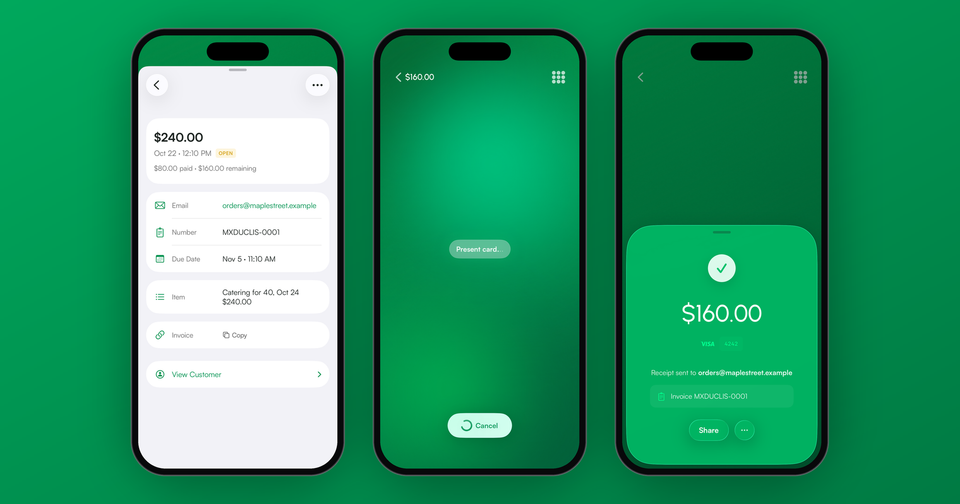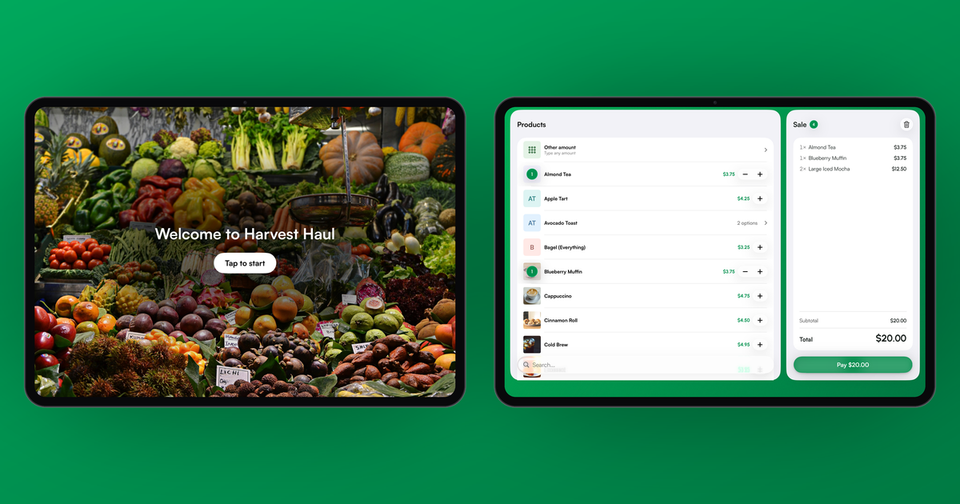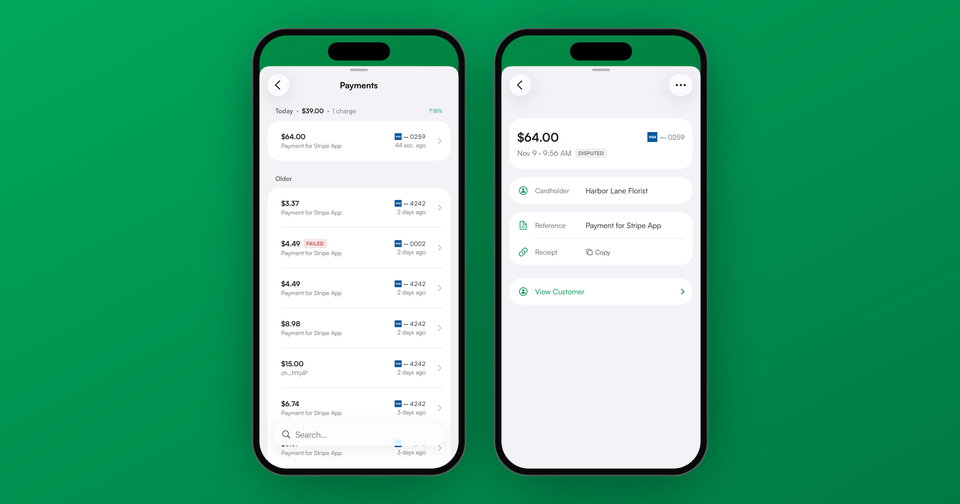

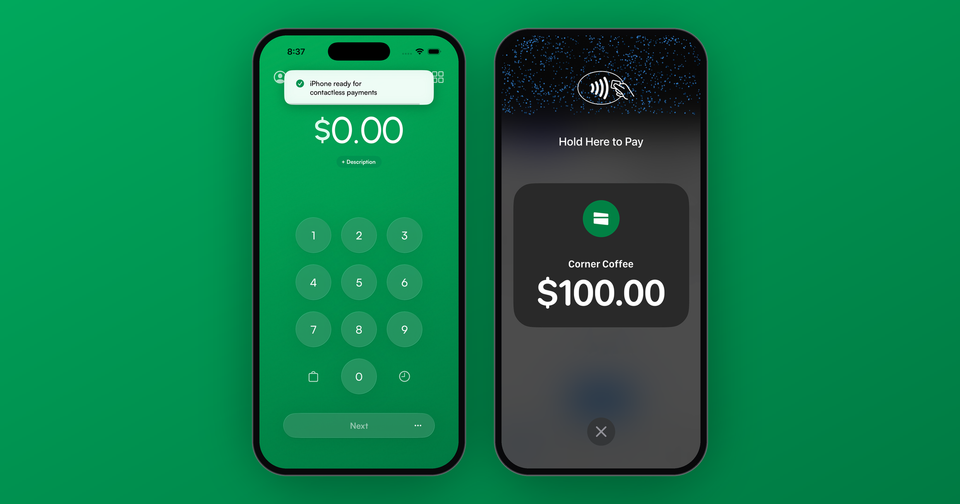
Stripe doesn't charge a monthly fee to take payments, and you only pay when a sale goes through. Where people get tripped up is the per-sale math, because the rate changes depending on whether the card was tapped, inserted, typed in or issued overseas. Here are the US numbers for in-person sales, and then what lands in your bank.
Is Stripe free to use?
Yes, in the sense that Stripe's standard pricing has no setup fee and no monthly fee. You pay a percentage plus a few cents on each successful transaction. The Payment app works the same way: no monthly fees and no contracts, just a per-sale fee that we cover below.
What does Stripe charge for an in-person card payment?
With a card reader, Stripe charges 2.7% + 5¢ per successful transaction on US domestic cards. That is lower than the online rate of 2.9% + 30¢, which is one of the best reasons to own a reader if you sell face to face.
What extra applies to Tap to Pay, international cards and typed-in cards?
- Tap to Pay: Stripe's in-person rate + 10¢ per authorization, so 2.7% + 15¢ in the US. We go deeper in Stripe Tap to Pay fees.
- Typed-in cards in the Payment app: Stripe's online rate, 2.9% + 30¢ in the US, with no extra app fee for typing the card.
- Typed into the Stripe Dashboard or Terminal MOTO: the online rate + 0.5%, so 3.4% + 30¢. That surcharge is not what you pay for cards typed in the Payment app.
- International cards: + 1.5%. If currency conversion is needed, + 1% on top.
Do refunds and disputes cost anything?
Issuing a refund in the app is free, but Stripe's processing fee from the original sale is not returned. Refunding in the app does return our app fee, and a partial refund returns a proportional share. Disputes are different: Stripe charges a separate flat fee per dispute, and the current amount is on its pricing page. We explain how they work in Understanding Stripe disputes and chargebacks.
What do card readers and cellular connectivity cost?
Readers are a one-time hardware purchase from the Stripe Terminal shop, not a subscription. Tap to Pay on iPhone needs no reader at all, only an iPhone XS or later. Some smart readers can connect over cellular, which Stripe prices separately, so check the shop before you order one.
What do I keep on a $100 sale?
The Payment app adds one fee on top of Stripe's: 1.2% per sale, 15¢ minimum. On a $100 sale in the US:
- Card reader: $100 - $2.75 (Stripe) - $1.20 (app) = $96.05
- Tap to Pay: $100 - $2.85 (Stripe) - $1.20 (app) = $95.95
- Typed card in the app: $100 - $3.20 (Stripe) - $1.20 (app) = $95.60
In other words, a reader saves 10¢ per sale compared with Tap to Pay, so it only pays off at high volume. Tap to Pay is a fine way to start with no hardware at all. These examples use US cards. An international card adds 1.5%.
Where do I see my fees, and where do I check the app's own fee?
Stripe shows the processing fee on every payment in your Dashboard. The app fee and its terms live on the Payment for Stripe pricing page. If you're picking hardware, we compared every reader here.
See the app's fee and what it includes: Payment for Stripe pricing.