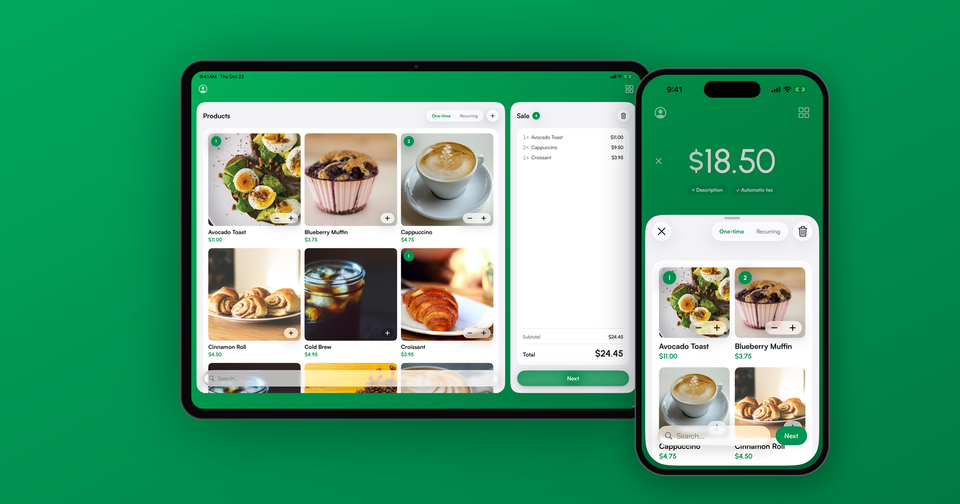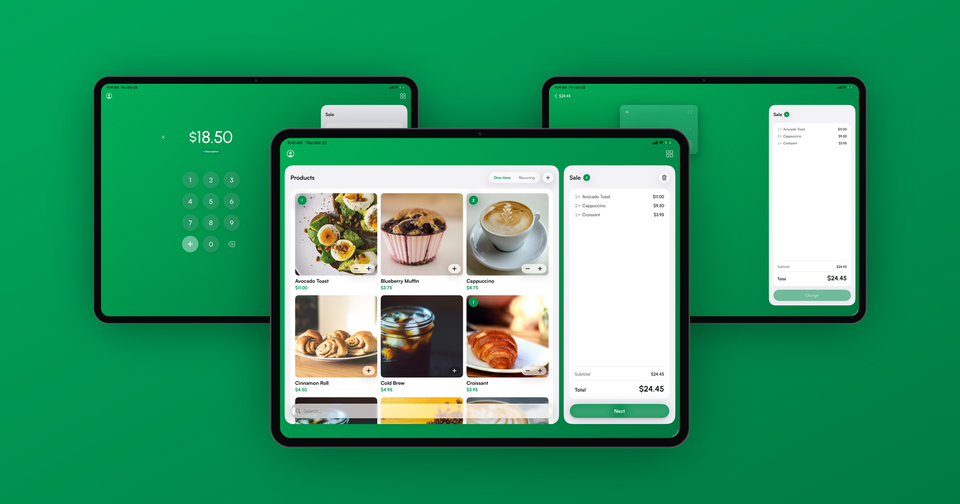
Payment for Stripe lists every active product and price from your Stripe account. In most cases that's exactly what you want, but if you sell through more than one channel, it can put products in front of your staff that were never meant to be sold in person.
Imagine the following scenario: You run a small shop that sells in person at weekend markets using Payment for Stripe, and online through your Shopify store. Both channels share the same Stripe account, so your digital gift cards and shipping-only bundles show up in the app right next to the items on your table.
Starting today, you can keep those products out of the app with a single piece of metadata. No separate Stripe account, no duplicated catalog, and no app update required.
How to hide a product
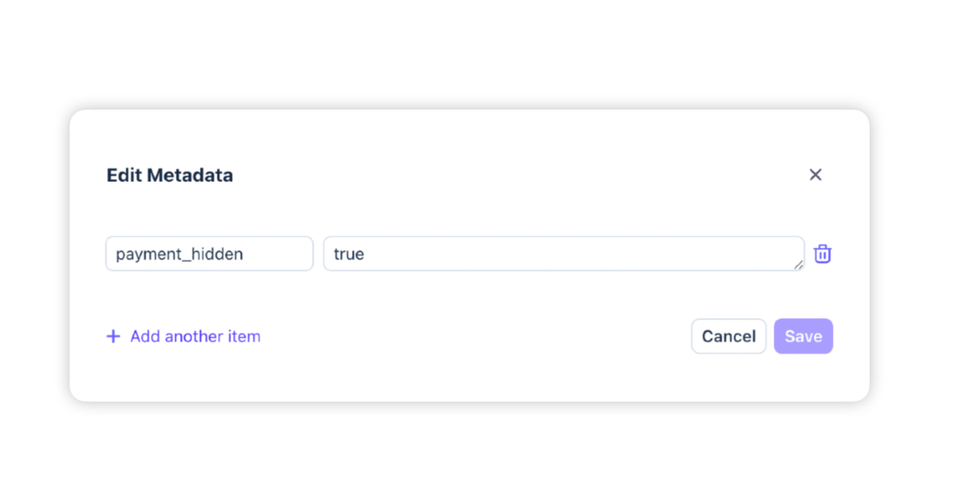
Open the product in your Stripe Dashboard, choose Edit, and add a metadata key named payment_hidden with the value true. That's it. The next time the app loads your product list, the product and all of its prices will be gone from it.
You can also apply the key to a single price instead:
- On a product: hides the product and every price attached to it.
- On a price: hides only that price. Other prices on the same product stay visible.
For example, if you offer a t-shirt with an in-person price and a web-only price that includes shipping, you can hide just the web-only price and keep selling the shirt at your booth.
How do I show it again?
Remove the metadata key, or set its value to false. Changes take effect the next time the app loads your products, typically the next time you open the product list.
What happens to cart links and subscriptions?
Nothing. Hiding only affects the product list inside the app. If you've built payment:// cart links that reference a hidden price, they keep working exactly as before. Existing subscriptions on a hidden price are unaffected as well, and you can always look the price up by its ID.
Which devices support this?
All of them. The filtering happens on our servers, so it works on iOS and Android, on every version of the app, with no update needed. It's available today for all merchants.