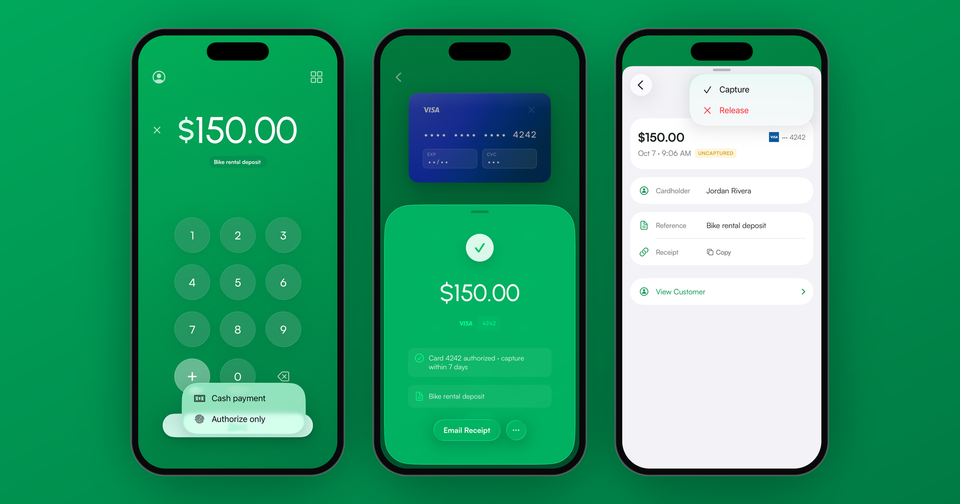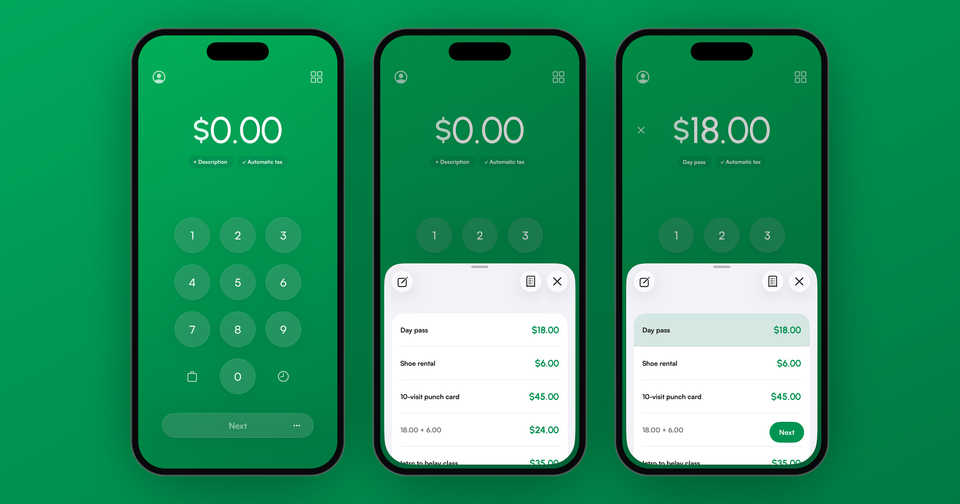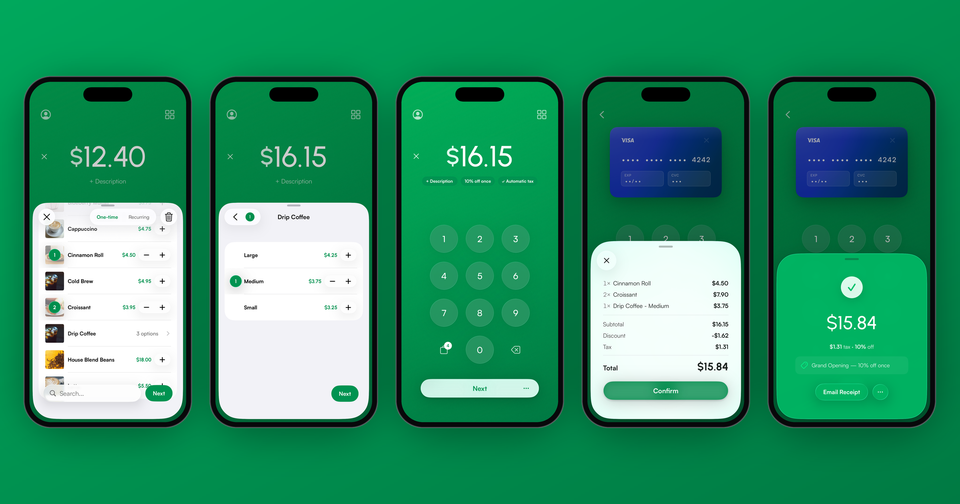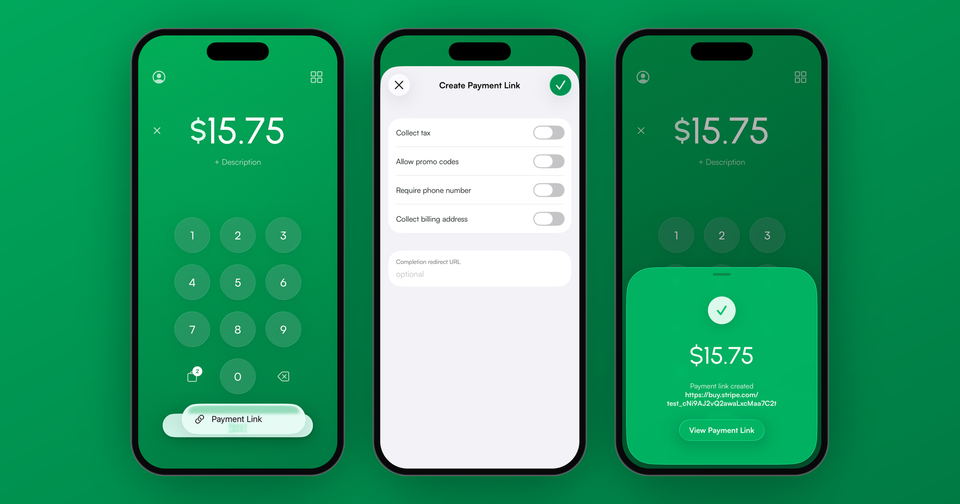
A payment link is the simplest way to get paid online with Stripe: a secure, Stripe-hosted checkout page you can send to anyone, with no website and no code. Customers open the link, pay with their card or wallet, and the funds land in your Stripe account. The Payment app creates them in a few seconds.
How to create a payment link in Stripe
- Tap "Payment Link" from the home screen of the Payment app
- Set the amount and an optional description, or attach a product from your catalog
- Tap Share and send the link by text, email, WhatsApp, or any other app
- Track the link's status in the app; you'll get a notification when it's paid
That's the whole process. Your customer receives a secure Stripe-hosted payment page, and the charge appears in your Stripe account like any other.
What payment methods can customers use?
Whatever is enabled on your Stripe account: credit and debit cards, Apple Pay, Google Pay, and other regional payment methods. The Stripe-hosted page handles all of it, which means you never touch card data.
Do payment links expire?
By default, no. A link can be used multiple times, which makes it handy as a reusable "pay me" link for a standard service. If you no longer want to accept payments through a link, you can deactivate it at any time from the app.
What do payment links cost?
There is no additional fee for creating or sharing links. You pay your standard Stripe processing fees when a customer completes a payment, plus the app's usual 1.2% per sale. No monthly fees, no per-link charges.
What can't payment links do?
Two honest limitations. First, payment links are for one-time payments; for recurring billing, use the Subscriptions feature instead, which charges automatically on a schedule. Second, payment links don't support tip prompts. Stripe's "customers choose what to pay" option replaces the price rather than adding to it, so it isn't tipping. For tips, the app's in-person tip screen is the way.
When to reach for a payment link
Payment links shine anywhere the customer isn't standing in front of you: invoicing by text, deposits for future work, social media sales, or a "pay now" button in an email. In person, a card reader or Tap to Pay will cost you less per transaction (2.7% + 5¢ versus the online 2.9% + 30¢), so save the links for remote payments.