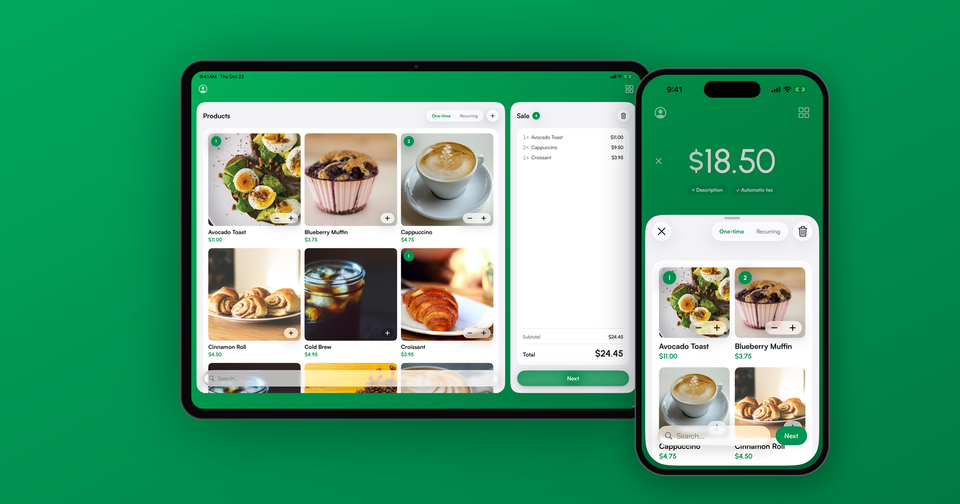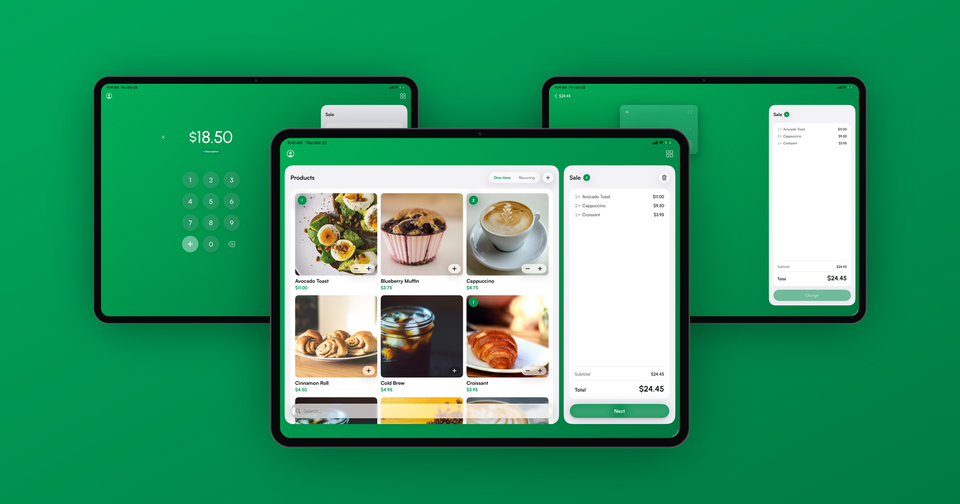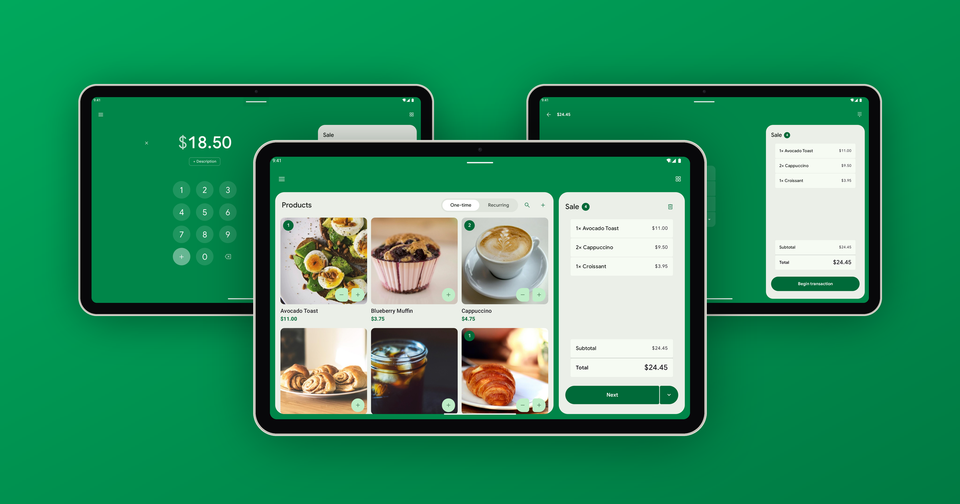
Any recent Android phone with NFC can take contactless payments on its own. Tap to Pay on Android turns the phone into a card reader for contactless cards, Apple Pay, Google Pay and Samsung Pay, with nothing to buy or plug in. The catch is that Stripe checks a lot more than the Android version before it lets a phone take payments, and that's where most of the questions we get come from.
Which Android phones support Tap to Pay?
Most phones from the last few years work. Stripe's supported list includes the Samsung Galaxy S22 and later (including the S24 and S25), most of the Galaxy A series from the A14 up, the Galaxy Z Flip and Z Fold, recent Google Pixel phones, and current models from Motorola, OnePlus, Xiaomi, Oppo and Honor.
The model is only half of it. To take payments, the phone also has to:
- Run Android 13 or later
- Have a working NFC chip, with NFC switched on
- Have a security update installed in the last 12 months
- Use Google Play services and have the Play Store installed
- Run the manufacturer's own software, not rooted and with the bootloader locked
- Have Developer options turned off
That security update rule catches more people than you'd expect. An older phone can meet every other requirement and still stop working once the manufacturer stops sending updates.
How do I turn on Tap to Pay in the Payment app?
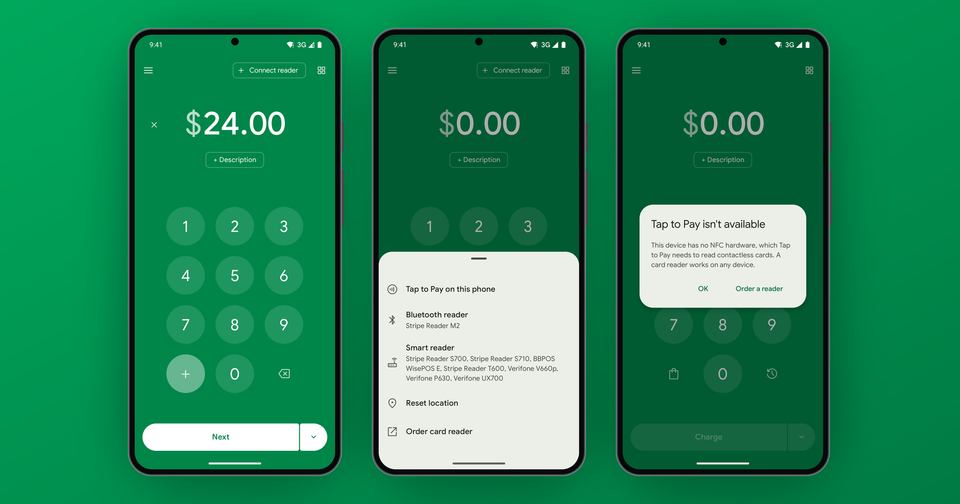
Tap Connect reader at the top of the keypad, then choose Tap to Pay on this phone. You can also open the menu and tap Enable Tap to Pay. The first time takes a minute while Stripe checks the phone and sets it up, and you'll be asked to pick the location the payments belong to. After that, enter an amount, tap Next and hold the phone out. Your customer taps their card, phone or watch on the back of yours, usually near the camera, and holds it there until the payment finishes. There's a full walkthrough on our Tap to Pay on Android page.
Why does my phone say Tap to Pay isn't available?
When a phone doesn't pass Stripe's checks, the Payment app tells you which one failed. The most common ones:
- Developer options or USB debugging is on. Turn them off in Settings, then try again. It's easy to turn on Developer options once and forget about it.
- The security update is too old. Open Settings, then System, then System update, and install the latest one. If there's nothing to install, the phone can't use Tap to Pay anymore.
- NFC is off. Switch it on in your device settings.
- The phone has no NFC, or doesn't meet the security requirements. Unfortunately, no update will change that. A card reader like the Stripe Reader M2 works with any phone.
What does Tap to Pay on Android cost?
The same as on iPhone. In the US, Stripe charges its in-person rate of 2.7% + 5¢ plus 10¢ per Tap to Pay authorization, so 2.7% + 15¢ per tap. The Payment app adds 1.2% per sale with a 15¢ minimum, and there are no monthly fees. We break it all down in Stripe Tap to Pay fees.
Will customers ever need to enter a PIN?
In some cases, yes. Larger payments and some cards ask for a PIN, and the customer types it right on your phone. Don't be surprised that the PIN pad shows up off-center. Stripe places it at a random spot on purpose, for security. The PIN screen won't open while screen recording, a screen overlay app or an accessibility service is running, so close those first if a PIN payment fails.
In addition, some cards can't be tapped at all for larger amounts. In the UK some cards must be inserted, and in Canada and Finland many cards only take a PIN by chip. For those customers, a card reader is the answer.
Where is Tap to Pay on Android available?
Stripe offers it in 21 countries, including the US, Canada, the UK, Ireland, Australia, New Zealand, Singapore, Malaysia, Norway and most of Western Europe, with another 19 in preview. Tap to Pay needs an internet connection for every payment, so keep a reader around if you sell somewhere the signal drops.
The Payment app is free on Google Play, with Tap to Pay included: Download the Payment app.