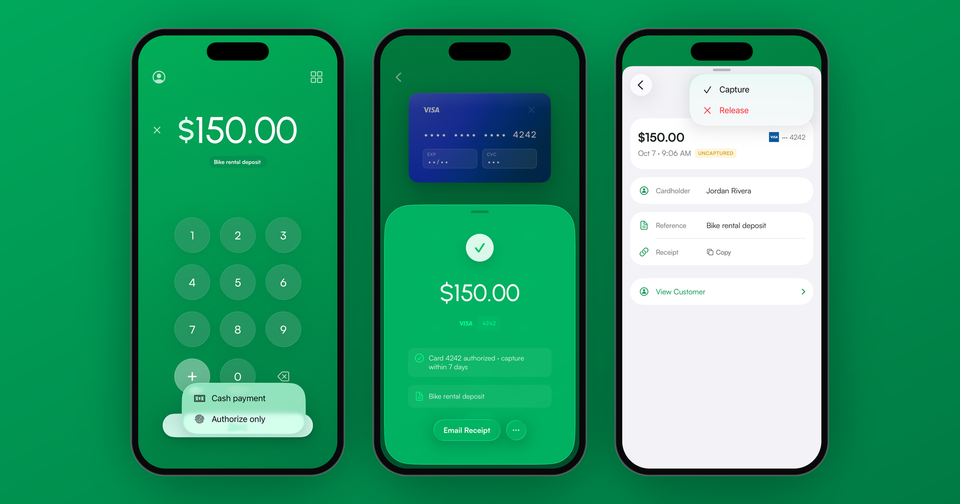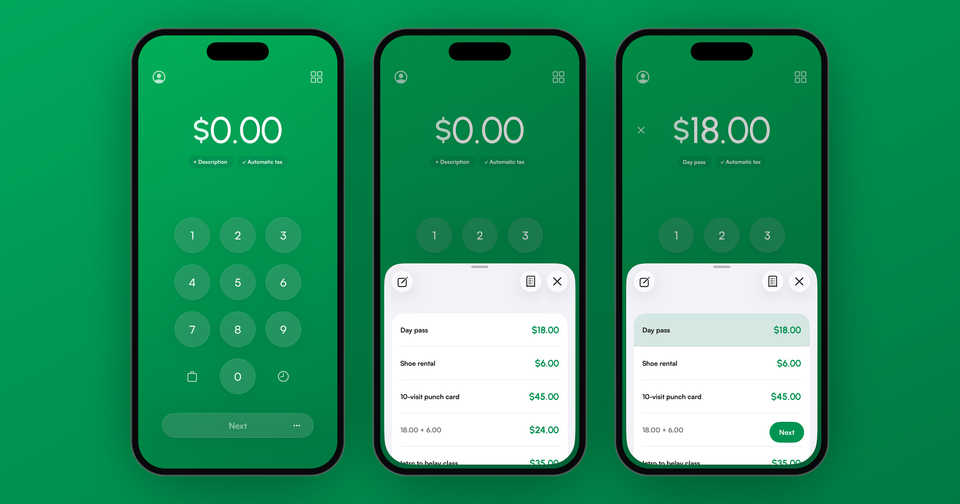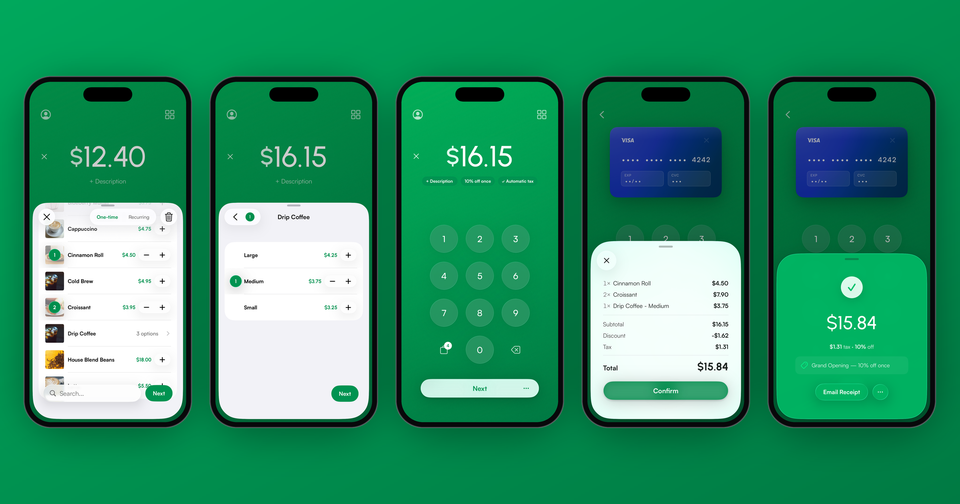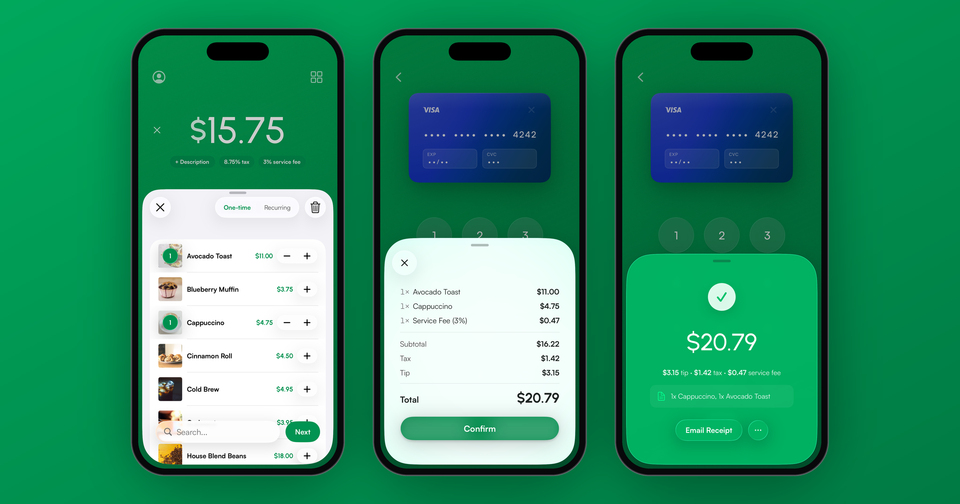
Your customers can now see exactly what they are being charged for before a card ever comes out. Turn on Review before payment in Settings and the app puts an itemized summary on screen at the end of the sale: every item and its quantity, your service fee, sales tax, the tip and the total. Nothing is collected until someone taps Confirm.
This one came from merchants who sell in person and kept fielding the same question at the counter. A customer buying four things would like to know what the four things cost before the total lands on a card reader. Until now, the app went from the amount screen straight to "present card" with no itemized stop in between, and the only way to show a breakdown was to read it out loud or turn the phone around.
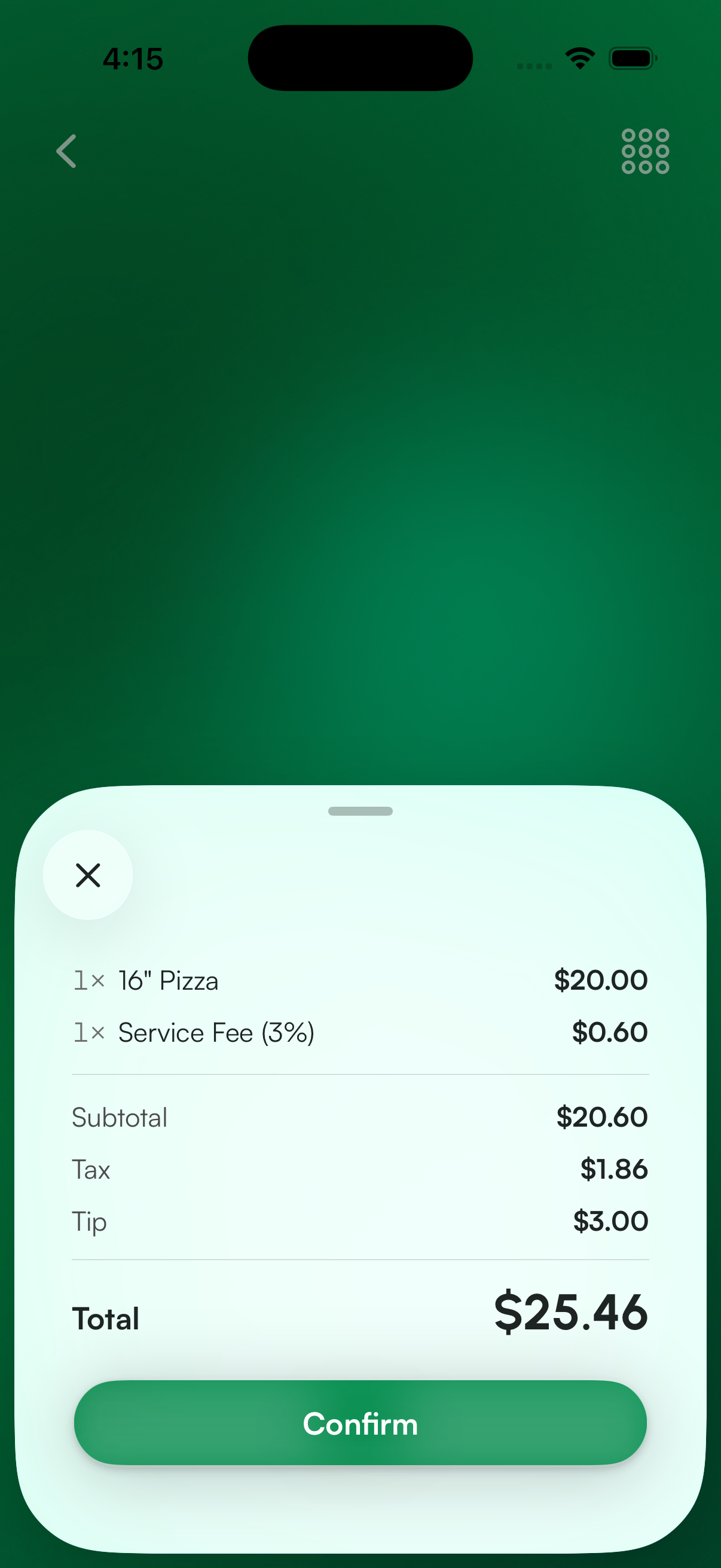
What your customer sees
The summary is built from the sale itself, so it matches whatever you rang up:
- Each item from your cart, with its quantity and price
- Your service fee, as its own line, at whatever rate you have set
- The subtotal
- Sales tax
- The tip, if tipping is turned on and one was left
- The total, and a Confirm button
Imagine the following scenario: a customer orders a 16" pizza for $20.00. Your 3% service fee adds $0.60, sales tax adds $1.86, and they leave a $3.00 tip. Rather than watching $25.46 appear with no explanation behind it, they see all five of those numbers stacked up and confirm the one at the bottom.
How do I turn it on?
The setting lives in Settings, just above Allow tips, and it is called Review before payment. It is off by default, so nothing about your current checkout changes until you switch it on. Invoices and payment links are not affected either way.
Does it appear on every sale?
Only when there is something on it worth reading. If you key in $20.00 with no tax, no tip and no service fee, a review screen would say "$20.00" and then "Total $20.00", which helps nobody and costs everybody a tap. In that case the app skips the screen entirely and goes to the card prompt the way it always has. As soon as a sale carries line items, tax, a fee or a tip, the screen comes back.
What about sales tax?
If you use automatic tax collection, the tax on the review screen is the tax Stripe calculates for your customer's address, not a figure the app works out on its own. We read it from Stripe directly, because the number your customer confirms has to be the number that actually gets charged. Getting those two within a few cents of each other is most of the work behind this feature.
In some cases Stripe cannot return a calculation quickly enough, usually on a slow connection. Instead of holding up the sale, the tax row reads "Added at payment" and the charge goes through normally. Stripe still applies the correct tax when the payment finalizes, so what is missing in that moment is the preview, never the tax itself.
Does it work with a card reader?
It does, and this is where we think it earns its keep. On the Stripe Reader S700, S710 and the BBPOS WisePOS E, the same breakdown appears on the reader's own customer-facing screen, and it stays there through "tap or insert". Your customer reads the itemized list on the reader and confirms it the natural way, by presenting their card. There is no extra button for them to hunt for.
On the Stripe Reader M2, the WisePad 3 and Tap to Pay on iPhone, there is no customer-facing cart display to push to, so the review screen stays on your phone. Most merchants turn the screen around for a second before collecting.
Can the order be changed from this screen?
No, and that is deliberate. The review screen is read only. It is the last look before money moves, and an editable total is a total that can be changed by accident at the worst possible moment. If something is wrong, close the screen. You land back on the amount screen with the cart intact and can fix it there.
Availability
Review before payment is available in the Payment app for iPhone and iPad, and on Android starting with version 15. It is off by default, so look for it in Settings once you have updated.