Stripe Terminal is not one app. It's a set of card readers, a Dashboard for managing them, and the software you actually ring a sale up on. Stripe builds the first two. The third is largely left to you, which catches business owners off guard when they go looking for "the Stripe Terminal app" and can't find one.
The good news is that you don't need a developer. There are three no-code ways to run Stripe Terminal, and only one of them involves a $349 reader.
Does Stripe make its own Terminal app?
Partly, and it depends which piece of hardware you mean.
Stripe publishes a Dashboard app for iPhone and Android. It handles Tap to Pay, and if a tap doesn't work you can key the card in by hand. Pairing an actual Terminal card reader, however, isn't one of its features. Stripe's docs list readers under the SDKs, the server-driven API, and standalone mode, but not under the Dashboard app.
Stripe also ships standalone mode, a no-code app pre-installed on compatible smart readers like the Stripe Reader S700, the S710, and the Verifone V660p. You enable it, reboot the reader, tap the splash screen, type an amount, and take the payment on the device itself. No phone involved. It's still in preview at the time of writing, and it's amount-entry only, so there's no product catalog behind it.
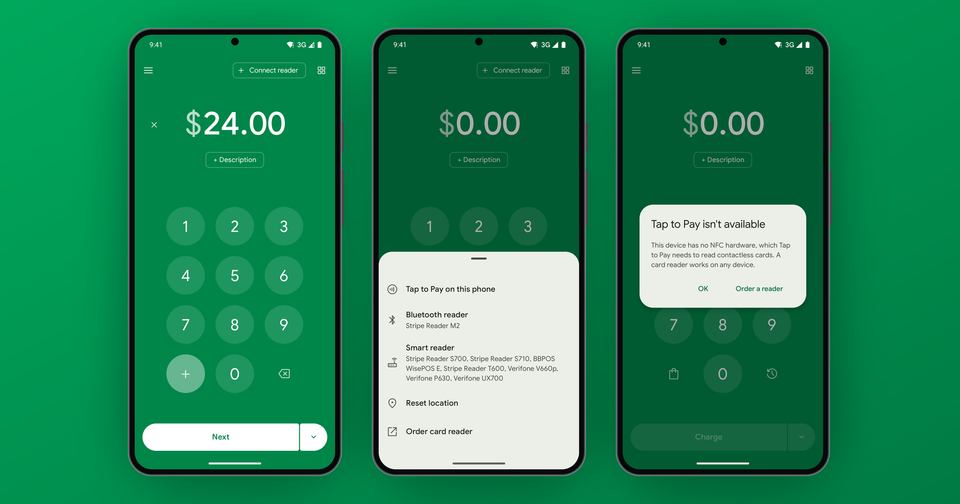
In other words, Stripe covers the two ends. Contactless on a phone, and a lone smart reader on a counter. The middle, where you want a Bluetooth reader paired to a phone plus the things a real till needs, is where third-party apps live.
Three ways to run Stripe Terminal without code
| You want | Use | Hardware |
|---|---|---|
| Contactless payments, occasional sales | Stripe Dashboard app | A compatible iPhone or Android phone |
| One device on a counter, amounts only | Standalone mode | Stripe Reader S700, S710, or Verifone V660p |
| Readers, catalog, tips, taxes, and staff | A third-party app like ours | Your phone, plus any Stripe Terminal reader |
There's a fourth path if you have a developer. Stripe offers SDKs for iOS, Android, React Native, and JavaScript, plus a server-driven API integration for smart readers. That route gives you total control, and you maintain it forever.
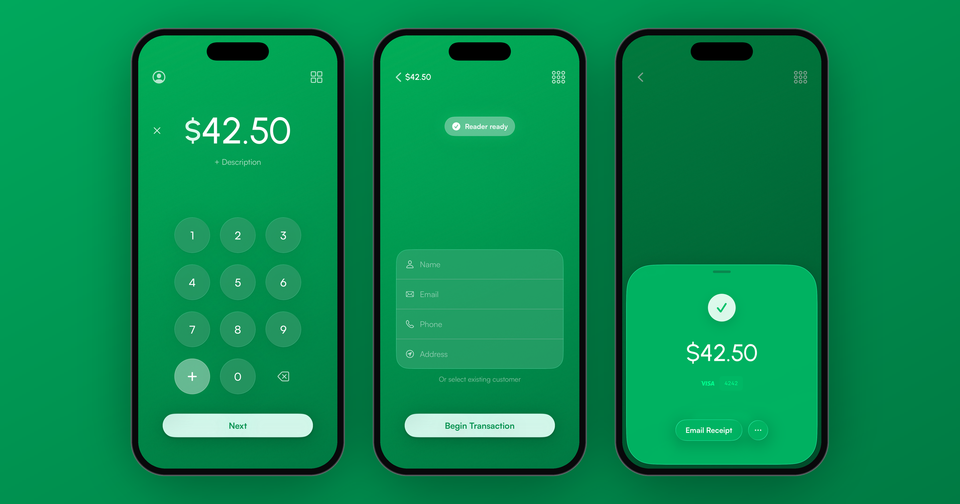
Imagine the following scenario: you run a booth at a weekend market. Most customers tap a phone or a contactless card, which Tap to Pay handles on your own iPhone. Then someone hands you a chip card with no contactless symbol on it. Without a reader, that sale walks away. With a $59 Stripe Reader M2 in your apron pocket, it's a ten second transaction.
What does a Stripe terminal cost?
There are two costs, and they're separate.
Hardware is a one-time purchase, ordered from the Terminal section of your own Stripe Dashboard. Prices vary by country, but as a rough guide: the Stripe Reader M2 starts at $59 in the US, the BBPOS WisePad 3 at around CA$79 outside the US, the BBPOS WisePOS E lands near $249 to $299, and the Stripe Reader S700 starts at $349. Nobody marks it up. You're buying from Stripe. If you're weighing one against another, we wrote a longer piece on which Stripe card reader you should buy.
Processing is charged per sale. In the US, Stripe takes 2.7% + 5¢ per successful in-person transaction on domestic cards, adds 1.5% for international cards, and adds $0.10 per authorization on Tap to Pay. Payment for Stripe adds 1.2% on top, with no monthly fee and no contract. Standalone mode and the Dashboard app cost nothing beyond Stripe's own rate. They simply do less.
Do you need a card reader at all?
In many cases, no. Tap to Pay turns a compatible iPhone or Android phone into a Stripe terminal with no extra hardware at all. Your customer taps a contactless card, Apple Pay, Google Pay, or Samsung Pay against the back of your phone, and the sale is done. We broke the numbers down in Stripe Tap to Pay fees.
Unfortunately it's contactless only. Chip cards, swipe-only cards, and the customer whose phone battery just died all still need a physical reader. Oftentimes the right answer is both: Tap to Pay as the everyday default, and a pocket reader for the exceptions.
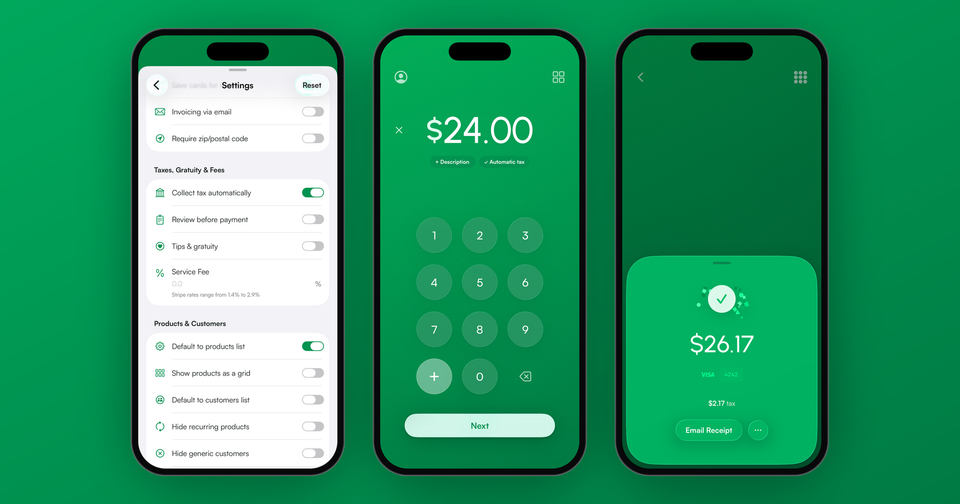
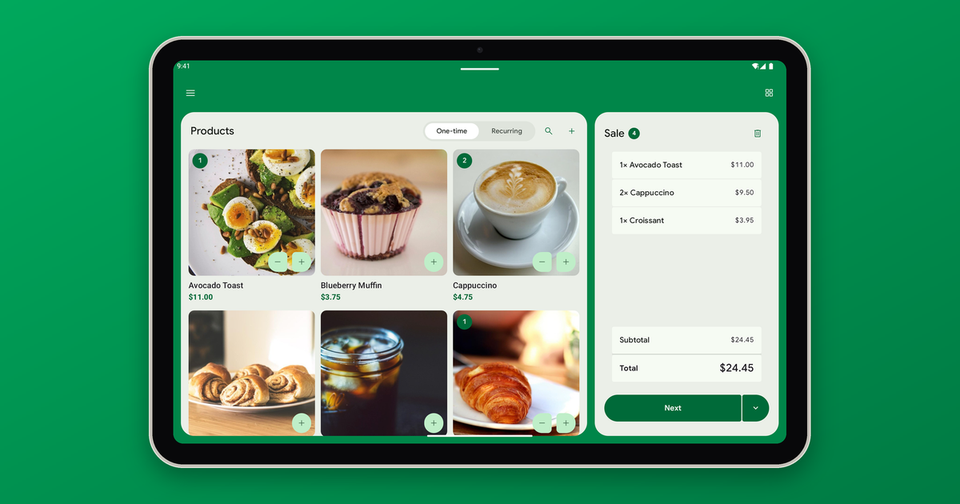
If you need a catalog, tips, tax rates, staff accounts with charge-only access, and emailed receipts, and you'd rather not pay a developer to build all of it, that's the gap an app like ours fills. It runs on hardware you already own, pairs with every Stripe Terminal reader, and connects to your own Stripe account through Stripe's OAuth flow, so payouts, refunds, and disputes stay exactly where they are today.
Learn more about running Stripe Terminal from your phone: The Stripe Terminal app for iPhone and Android