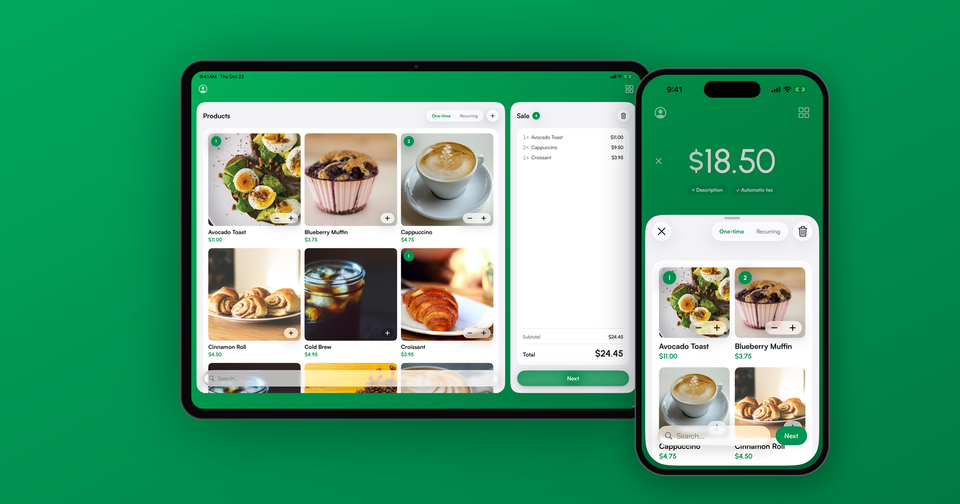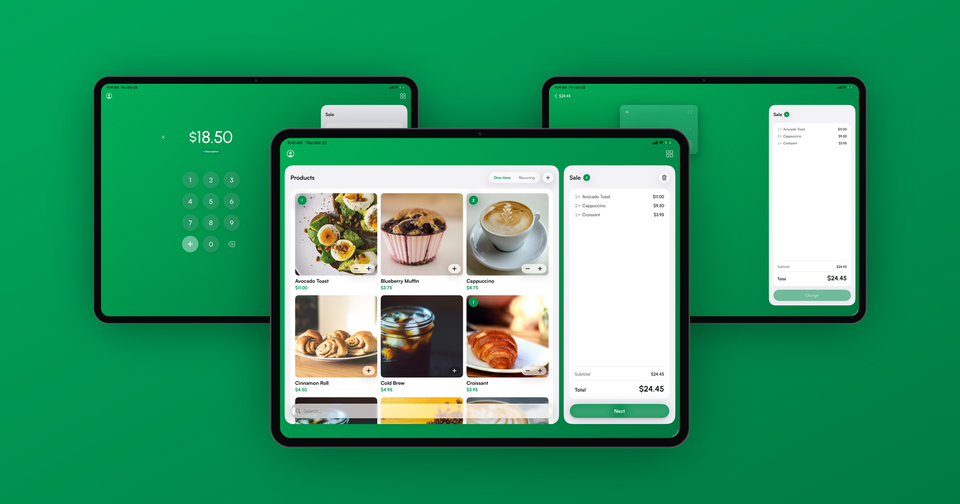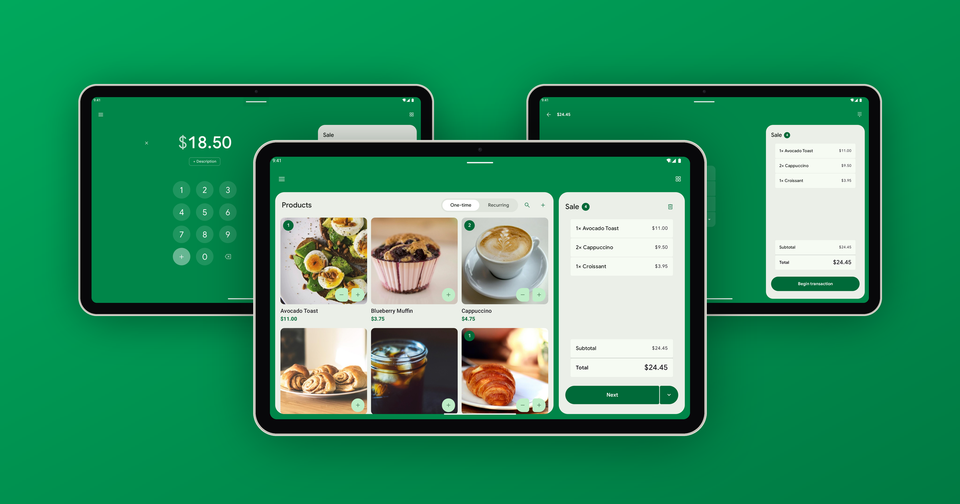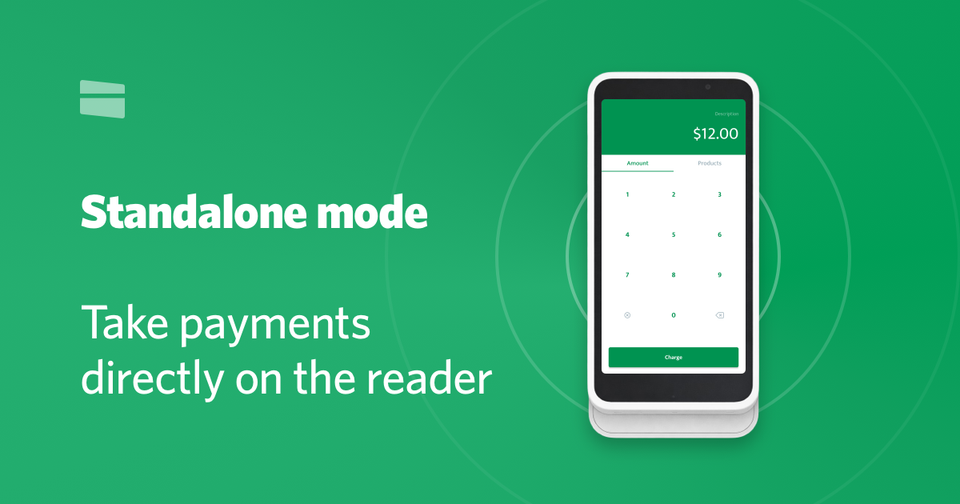
Stripe Terminal readers can now accept payments entirely on their own. With standalone mode, officially documented by Stripe this week, the Stripe Reader S700, S710 and Verifone V660p can take card-present payments directly on the reader itself. No app, no phone, and no point of sale system required.
We've been waiting for this one for a while. For years, every Stripe Terminal reader needed to be driven by something: an iPhone, an Android device, or a full POS integration. Standalone mode removes that requirement entirely. You walk up to the reader, enter an amount on the touchscreen, and hand it to your customer.
What can standalone mode do?
Standalone mode covers the essentials of taking a payment in person:
- Card-present payments (tap, dip or swipe)
- On-reader tipping
- On-reader refunds
- Extended and incremental authorizations
- Point-to-point encryption (P2PE)
However, there are several things standalone mode does not support, at least for now:
- Offline payments
- Manually keyed-in cards (MOTO)
- Saving cards for future charges
If your business needs any of the above, you'll still want to pair your reader with the Payment app, which supports manual entry, customer profiles, products and receipts on top of your Stripe account.
Which readers support standalone mode?
Standalone mode is available on the smart readers: the Stripe Reader S700, the S710 (the cellular version of the S700), and the new Verifone V660p countertop reader with its built-in receipt printer. Bluetooth readers like the M2 and WisePad 3 are not supported, as they have no interface of their own.
Enabling standalone mode
Enabling standalone mode through the Stripe Dashboard requires creating a Location, creating a Terminal Configuration with standalone enabled, attaching the two together, and registering your reader. It works, but it's a handful of steps spread across a few different Dashboard pages.
We built a hosted setup wizard that does all of it in under 2 minutes. Connect your Stripe account, enter your business address, and type in the pairing code from your reader's screen. The wizard creates the Location, enables standalone mode, and registers the reader for you. After a quick reboot, tap the splash screen and you're taking payments.
What does it cost?
Standalone mode itself is free. You pay Stripe's standard in-person processing rate on each transaction, the same as you would with any Stripe Terminal reader. There is no monthly fee, and our setup wizard is free to use.
Learn more about standalone mode, including the full feature matrix and FAQ.