When we launched Tap to Pay on iPhone back in 2022, the most common questions were about hardware. Four years later, the most common questions are about fees. This post covers what Tap to Pay costs with Stripe, which devices support it today, and how to turn it on.
What are Stripe's Tap to Pay fees?
In the US, Stripe charges its standard in-person rate of 2.7% + 5¢ per transaction, plus an additional 10¢ per Tap to Pay authorization. In total, that works out to 2.7% + 15¢ per tap.
For example, a $100 tap costs $2.85 in Stripe fees, so $97.15 lands in your Stripe balance. Stripe's standard pricing has no setup, implementation, monthly or closure fees.
Does the Payment app add a fee?
Yes. Taking Tap to Pay through the Payment app adds a 1.2% app fee per sale on top of Stripe's fees, with no monthly fees or contracts. See current app pricing for details.
Is tapping cheaper than typing in a card?
Yes. Manually keying in a card processes at Stripe's online rate, 2.9% + 30¢ in the US. That makes tapping the cheaper way to take a payment in person without a reader. International cards add 1.5% to Stripe's rate either way.
A card reader is cheaper still: Stripe's in-person rate of 2.7% + 5¢, without the extra 10¢ per authorization that Tap to Pay adds. If you're weighing the two, we compared every option here.
Is there a free Tap to Pay app?
The Payment app is free to download on both iOS and Android, and there is no subscription required to use Tap to Pay. The only costs are the per-transaction fees above.
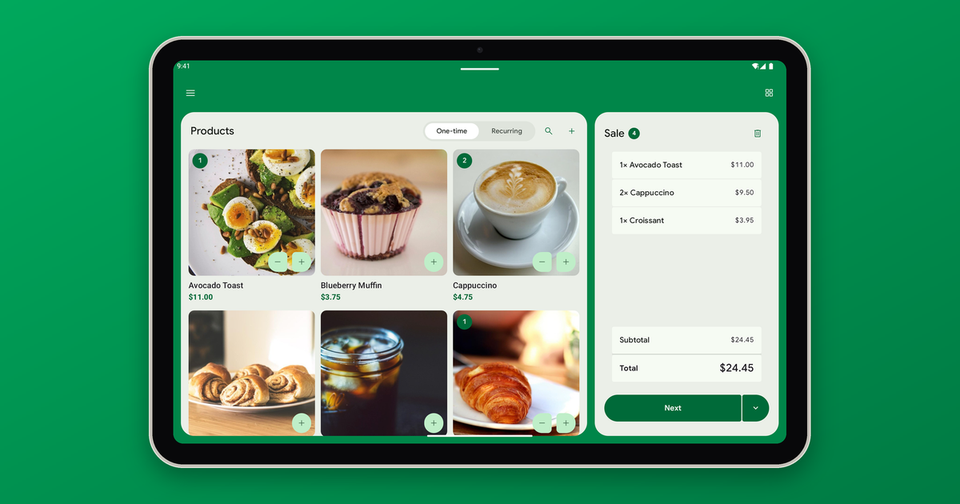
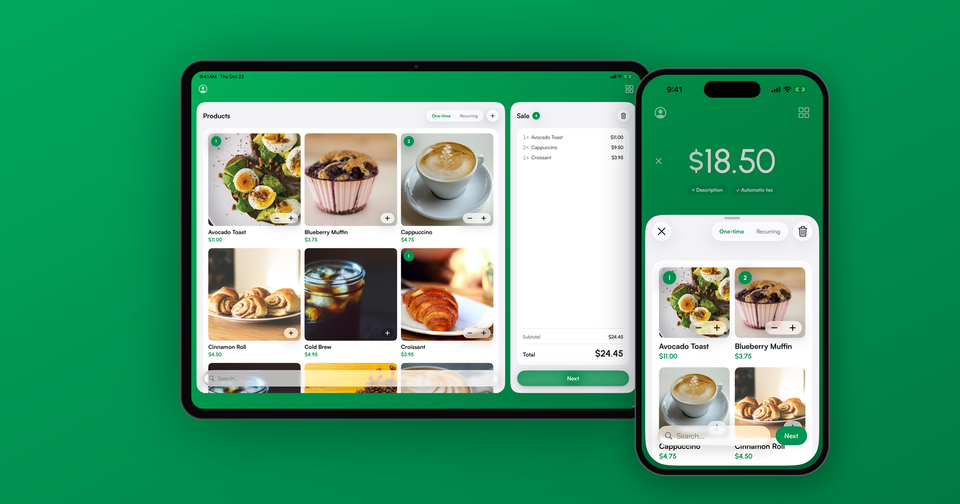
Stripe's own Dashboard app also offers Tap to Pay on iPhone and Android, at Stripe's standard Tap to Pay pricing. It takes contactless cards and phone wallets, and if that covers what you need, it's a perfectly good option. The Payment app adds card readers you connect from your phone, products and a cart, and cash sales, all alongside Tap to Pay.
If you see a "free" Tap to Pay app advertising no fees at all, look closely: the processing fees are always somewhere.
Which iPhones support Tap to Pay?
Tap to Pay on iPhone in the Payment app works on an iPhone XS or later running iOS 18 or later. Unfortunately, the iPad is not supported, as it lacks the required NFC hardware. When we launched in 2022, the requirement was an iPhone XS on iOS 15.5, so the phone itself hasn't changed, only the iOS version has.
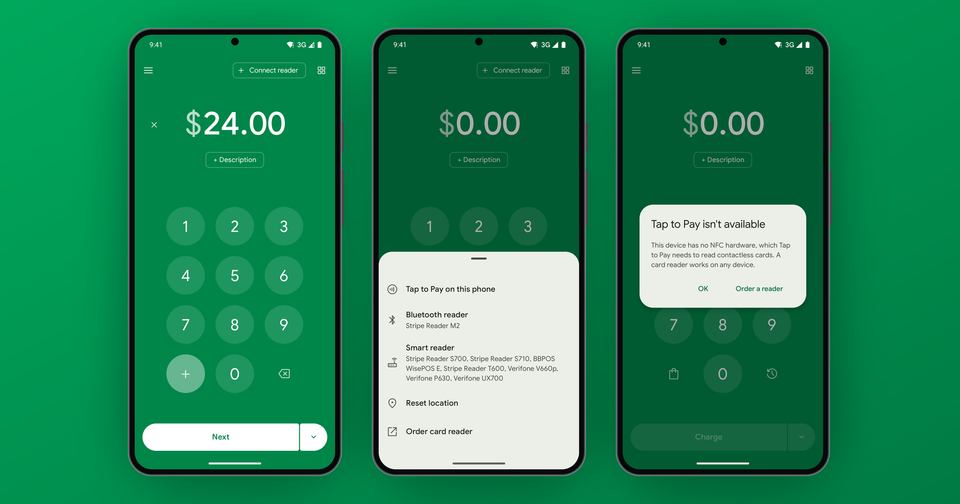
Android is supported as well. Stripe requires Android 13 or later on a supported NFC-equipped phone, and the option to turn on Tap to Pay only shows on phones that support it.
How do I enable Tap to Pay?
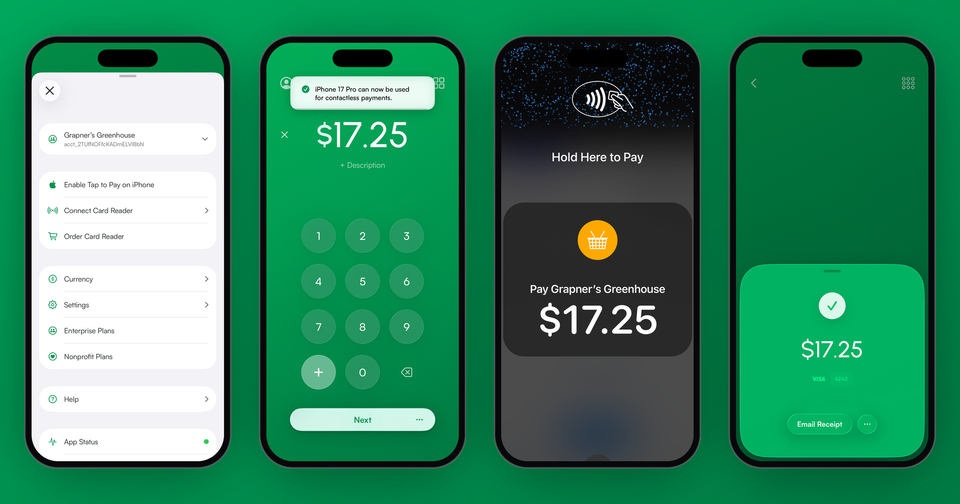
Update the Payment app, then open the menu (the person icon at the top left on iPhone, or the menu icon on Android) and tap Enable Tap to Pay on iPhone or Enable Tap to Pay. A few quick steps and you're on your way. Payments flow into your Stripe account in the exact same way as a card reader or manual entry. Our Tap to Pay on iPhone guide walks through the rest.
What can't Tap to Pay do?
There are a few limitations worth knowing before you rely on it:
- Contactless only. Customers must tap a card or phone. There is no chip slot and no swipe.
- An internet connection is required. Unlike Bluetooth readers, Tap to Pay cannot store transactions offline.
- No NFC, no tap. If your phone doesn't have an NFC chip, manual entry or a card reader like the Stripe Reader M2 is the fallback.
- Some cards need more than a tap. PIN entry is supported, however in the UK some cards must be inserted, and in Canada and Finland many cards are offline PIN only, which Tap to Pay can't take.
In some cases, a customer will hand you a card without a contactless symbol. For those, manual entry in the app works fine, just at Stripe's online rate (2.9% + 30¢ in the US).
Where is Tap to Pay available?
Stripe offers Tap to Pay on iPhone in 22 countries: the US, UK, Canada, Australia, New Zealand, Singapore, Ireland, France, Germany, the Netherlands, Belgium, Luxembourg, Austria, Switzerland, Italy, Spain, Portugal, Denmark, Sweden, Finland, Poland and the Czech Republic, with 17 more in preview. Tap to Pay on Android is available in 21 countries, a slightly different list that includes Malaysia and Norway. The fees above are US pricing, and rates vary by country.
Learn more about Tap to Pay, including the full FAQ and setup guide.