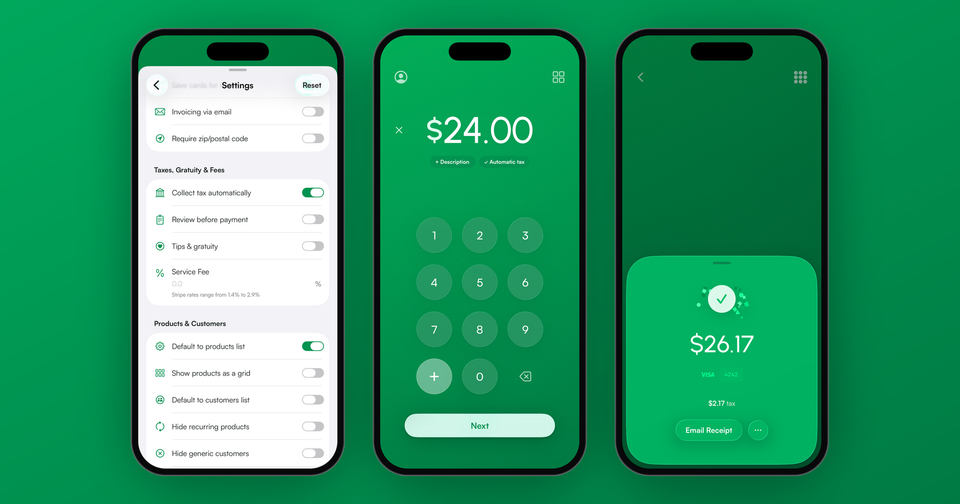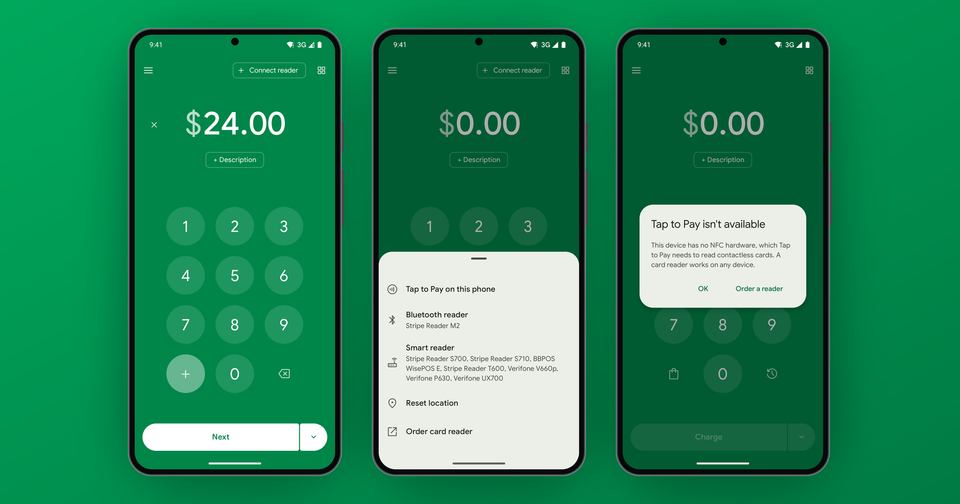
When creating a Stripe account, you, as the business owner or representative, will need to provide several layers of information before your account is fully enabled for payments and payouts to your bank. These "Know Your Customer" rules are set by regulators and Stripe's financial partners, and they vary by country. Since the Payment app connects to your account through Stripe Connect, you may need to finish these steps before taking your first payment in the app.
How long does Stripe verification take?
Stripe doesn't publish a guaranteed turnaround, but gives a few ranges. In many cases, Stripe can confirm the details you type in, like your name, date of birth and the last 4 of your SSN, without any documents, and those checks are often quick. When Stripe needs a document, it says reviews can take up to 24 hours, and anywhere from a few minutes to a few business days depending on how readable the image is.
However, accounts pulled into a manual review have no published estimate. The best way to speed things up is to upload everything at once, with clear, color documents that match your account details exactly.
What information does Stripe need?
For a US company or LLC, Stripe typically asks for:
- Business legal name, address, phone, EIN, industry, and a website or product description
- Your name, date of birth, home address, job title, email, phone and the last 4 of your SSN
- The name and email of each owner
- A support phone number and the bank account for your payouts
If you sign up as an individual, Stripe skips the company details. It keeps a list of requirements for each country.
What documents does Stripe accept?
If Stripe can't verify what you typed in, it will ask for a document:
- Identity: a government-issued photo ID, like a driver's license or passport, in color and not expired. If you live outside your account's country, it must be a passport.
- Home address: a utility bill or bank statement dated within the past six months.
- Business address: a signed lease, utility bill, tax return or Articles of Incorporation showing your business or owner name.
- Bank account: in the US, a statement, voided check or bank letter from within the last year.
Keep in mind one document can't satisfy two requirements.
Why did my Stripe verification fail?
In most cases, it's something small. The name doesn't exactly match your account, the document is expired, cropped or blurry, or it's a screenshot. For US businesses, the company name and EIN often don't match IRS records.
Imagine the following scenario: Your LLC is registered with the IRS as "Northside Candle Company LLC", but you signed up as "Northside Candles". Stripe's IRS check fails, even though nothing is wrong with your business. Matching the legal name to your IRS paperwork usually resolves it.
Don't re-upload the same file after a rejection, since Stripe automatically fails duplicates.
Why are my payouts paused?
Some details can be verified after you start taking payments, each with a deadline. If they aren't provided or verified in time, Stripe typically pauses payouts first, and may disable payments if the account stays unresponsive. For example, US accounts have 30 days to verify their address, or less after a certain amount in payments.
This can be very troublesome for businesses who rely on that cash flow. If you're using the Payment app, the account setup screen will tell you when you can take payments but Stripe is holding your payouts.
Why is Stripe asking me to verify again?
It's normal for new requests to arrive months after approval. Some requirements only kick in after a set amount of time or volume of payments, like verifying your company's tax ID. You'll see a banner at the top of your Stripe Dashboard listing what's needed. Unfortunately, ignoring these can lead to Stripe rejecting the account.
Where can I upload my verification documents?
Since these documents are highly sensitive, Stripe only accepts them through your Dashboard, never by email. Go to Settings, then Business, then Account status. Be cautious of any email asking you to reply with your ID.
Learn more about why your payments may be disabled: Blog: Stripe Account Payments Disabled
If the Payment app says your account isn't ready yet, start here: Getting your Stripe account ready to take payments
Once your account clears verification, you can start charging from a phone in about a minute. See how connecting a Stripe account works.