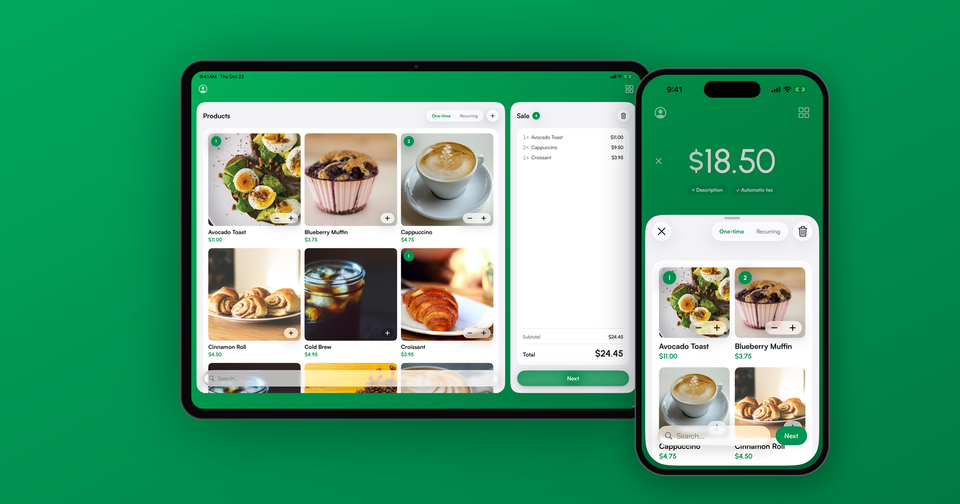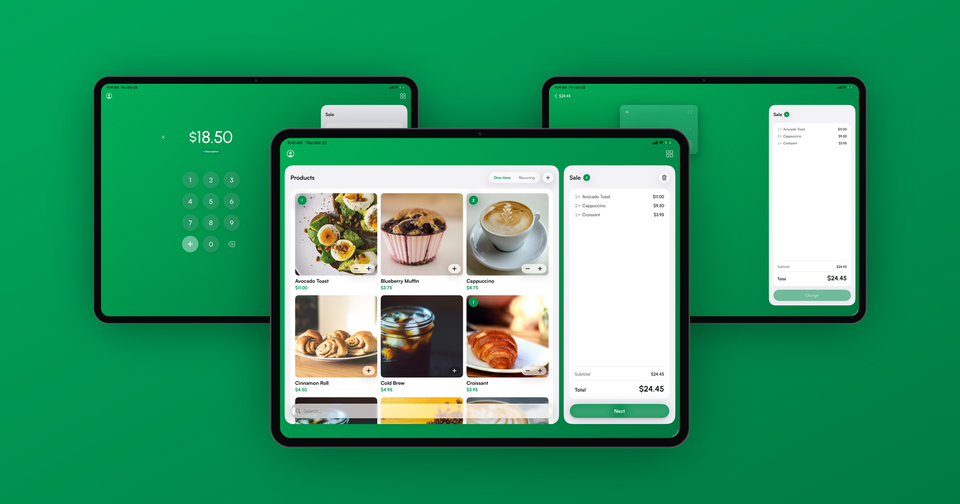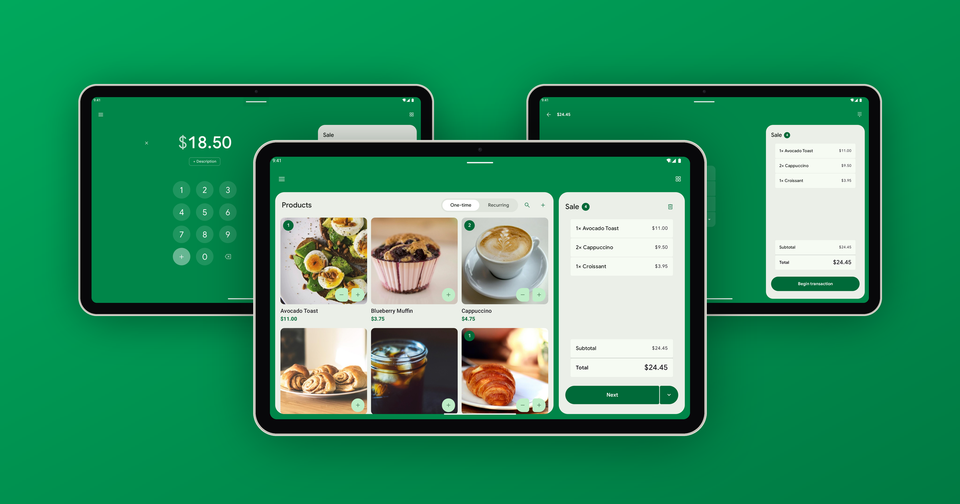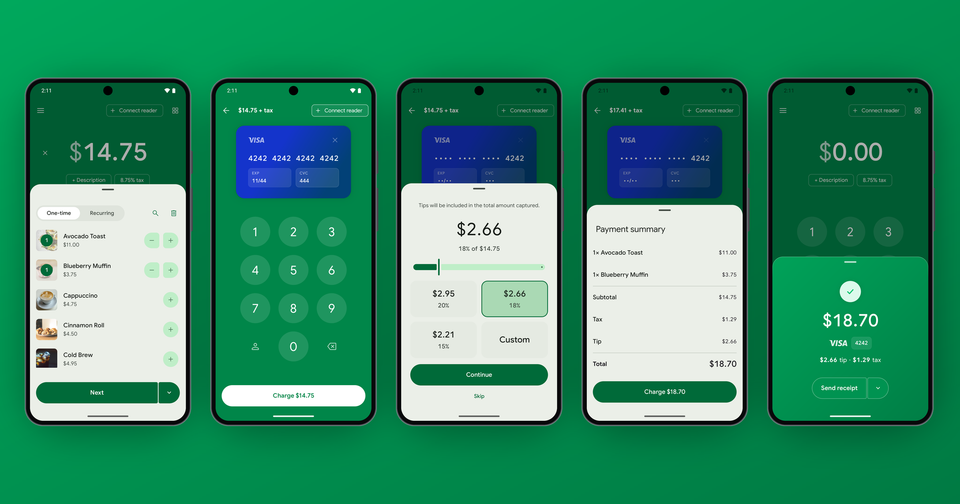
Version 15 of the Payment app for Android is out, and it is the biggest update the Android app has had since we launched it. Every screen has been rebuilt on Google's latest Material design, and along the way we went through the iPhone app feature by feature and brought Android up to match it. If you run your business on an Android phone or tablet, the app should now feel at home on your device and do what the iPhone version does.
For a long time the Android app trailed the iPhone app. New features landed on iOS first, and some of them never made the trip. Merchants told us about it, and they were right. This release closes most of that gap at once. We did not try to make Android look like an iPhone, though. The app uses the buttons, sheets, fonts and icons Android users already know, and the real work went into making sure the same sale behaves the same way on both platforms.
What's new on the charge screen?
The keypad has a new + key. Once you start typing an amount, the key in the lower-left corner turns from Products into +, so you can add several prices together without reaching for a calculator.
Imagine the following scenario: a customer at your market stall picks up three items priced at $7.00, $9.00 and $58.00. Type 7, tap +, type 9, tap +, type 58, and the app charges $74.00. Each amount is saved on the payment in Stripe, so you can see later how the total was built.
In addition, coupons and customers now sit on the sale as chips, so you can see what is attached before you charge. Products with more than one price are grouped together with their images, the same way they are on iPhone, which makes a long catalog much easier to get through.
Typing in a card number works like it does on iPhone too. You fill in a card face on screen using the app's own keypad, or tap the scan button and let the camera read the number for you.
Review before payment comes to Android
In August we added a setting on iPhone that shows your customer an itemized summary of the sale, with tax, tip and total, before the card is collected. We said Android would follow, and it has. Turn on Review before payment in Settings and it works the way we described in the original announcement.
Card readers
Your card reader's status now lives right on the charge screen, so you know whether it is connected before a customer is standing in front of you. When a reader is connected, tapping Next opens a Reader ready panel where you can add the customer's details, then start the transaction when you are both ready. We also fixed a number of reader and offline payment issues that merchants reported over the summer.
Can I pay an invoice that is already partly paid?
Yes. Previously the app refused to collect on an open invoice once any payment had been made against it. Now it charges whatever is left on the invoice and closes it out, and the invoice detail screen shows what has been paid and what remains.
Your brand, or none at all
Your brand color now carries across the whole app, not only the charge screen. If you would rather keep things plain, a new No branding switch on the Brand color screen swaps your color out for a simple black and white look.
Tablets and your Stripe data
On an Android tablet turned sideways, the charge screen now splits in two, with a summary of the sale on the left and the keypad on the right. The payments, customers, invoices, subscriptions, payment links and payouts lists have also been rebuilt. Payments are grouped into Today, Yesterday and Older, most lists can be searched, and you can swipe a row for quick actions.
Availability
Version 15 is available now on Google Play. If you have automatic updates turned on, you may already have it. As always, if something looks off after updating, email us at support@pocketvendor.com and we'll take a look.