Stripe is a payment processing platform: the service that lets a business accept cards and digital wallets, online and in person, and get the money into its own bank account. You usually never see the name. If you bought something online or at a small shop recently, there's a good chance Stripe processed it, which is why "what is this Stripe charge on my statement?" is such a common question.
How does Stripe work from sale to payout?
A customer pays you by card or wallet, Stripe checks and processes the payment, takes its fee, and the rest goes to your Stripe balance. From there it's paid out to your bank account on your payout schedule. In most cases the first payout arrives 7 to 14 days after your first sale, and after that payouts follow your schedule. If you want the full picture, we wrote a complete guide to Stripe payouts.
What is Stripe used for?
Generally, businesses use it for a few things:
- Online payments, such as checkout pages on a website.
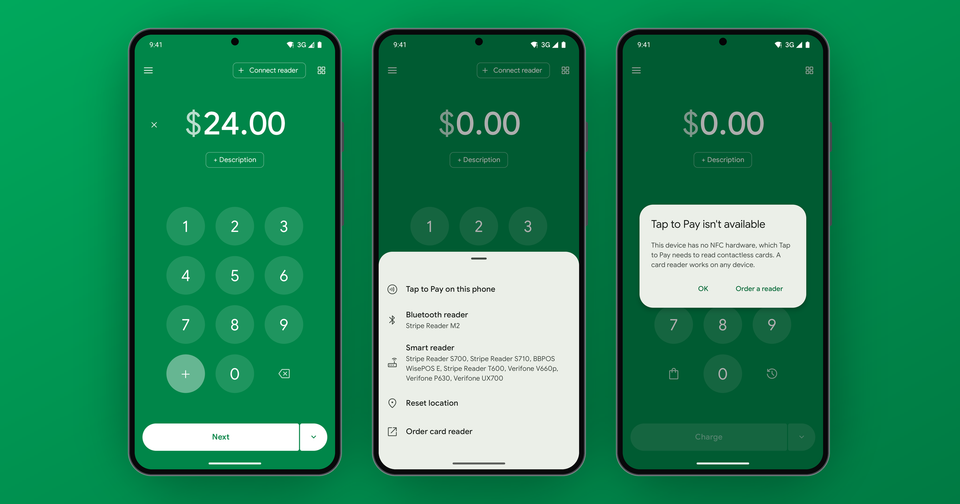
- In-person payments with card readers, or with Tap to Pay on a phone.
- Payment links, which you create without code and can show as a QR code for in-person payments.
- Subscriptions and invoices.
How much does Stripe cost?
Stripe charges per successful transaction. In the US, for domestic cards:
- Online: 2.9% + 30¢
- In person with a card reader: 2.7% + 5¢
- Tap to Pay: Stripe's in-person rate + 10¢ per authorization, so 2.7% + 15¢ in the US
International cards add 1.5%, and currency conversion adds 1% when it's required. Opening an account is free, so you only pay when you get paid.
How do I take in-person payments with Stripe?
Stripe has several no-code options. The Stripe Dashboard mobile app can take Tap to Pay on an iPhone XS or later or a supported Android device, and it can also charge a card you type in. Standalone mode turns a Stripe Reader S700/S710 or Verifone V660p into a simple keypad terminal with no app at all. Only a custom-built point of sale means working with Stripe's SDK, and that's a developer project.
If you want more than a keypad, you'll need something on top. Our posts on running Stripe Terminal without writing code and Tap to Pay fees go deeper on each path.
What is the Payment app and how does it relate to Stripe?
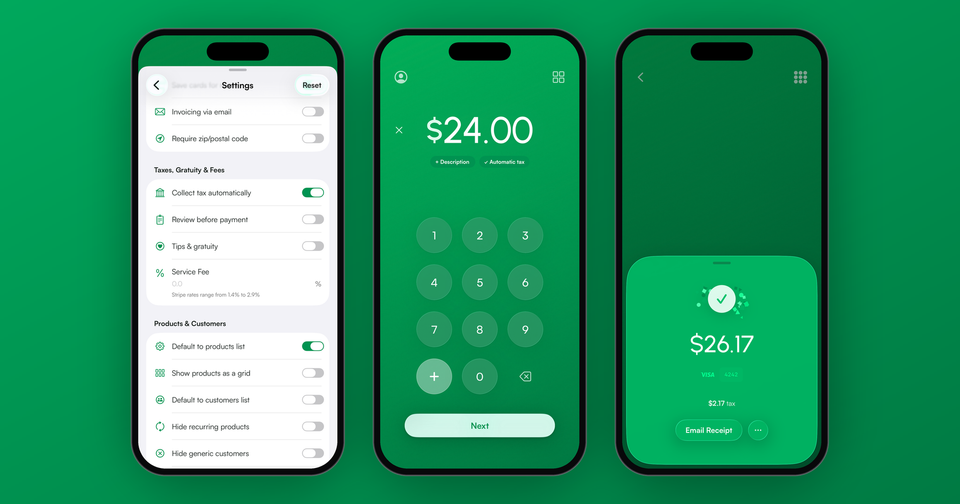
Payment for Stripe is an independent app, built by PocketVendor Inc, that connects to the Stripe account you already have. It isn't owned by Stripe Inc. "For Stripe" means it works with Stripe, the way a case is "for iPhone." Your money still flows through your own Stripe account.
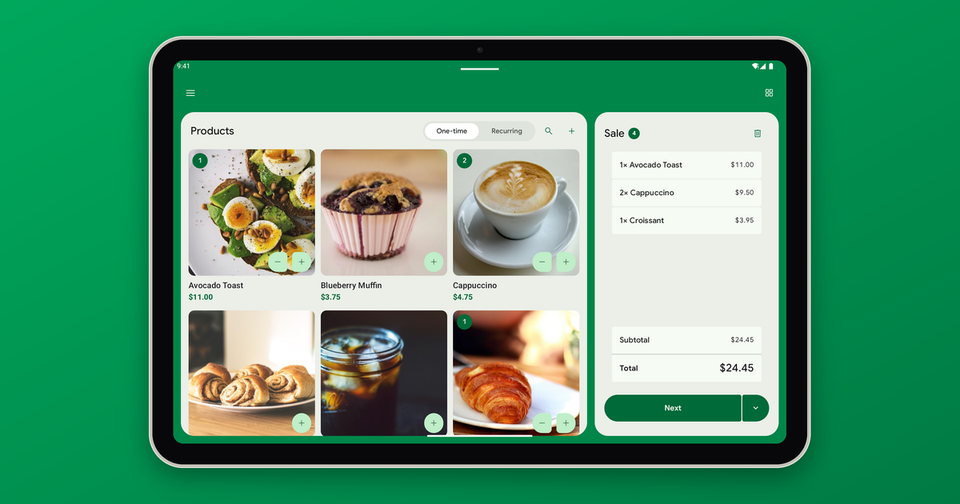
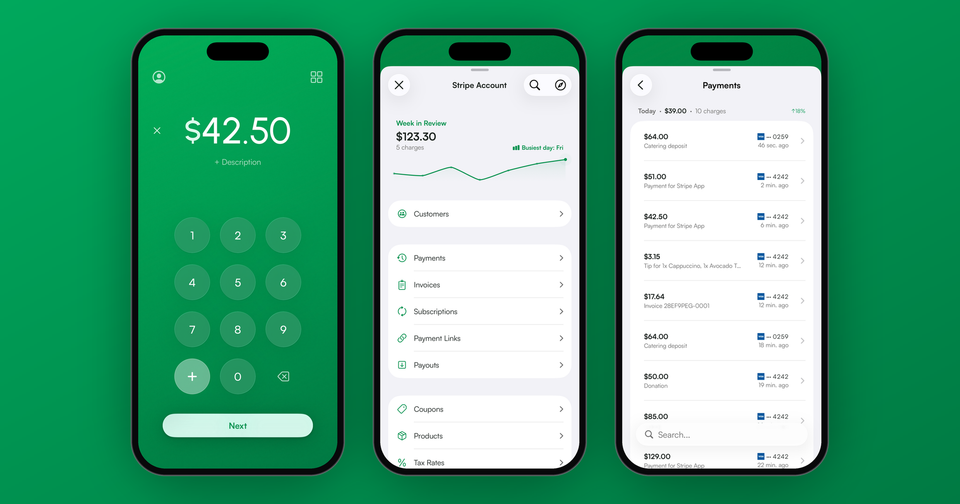
What the app adds is the day-to-day register work: connecting card readers from your phone, Tap to Pay, a product catalog and cart, cash payments, receipts, customers and subscriptions. The app fee is 1.2% per sale with a 15¢ minimum, on top of Stripe's fees, and there are no monthly fees. The 15¢ minimum applies to accounts created on or after September 9, 2026, so sales under about $12 are charged 15¢ rather than 1.2%. Accounts created before that date pay 1.2% with no minimum. A card you type into the app is charged at Stripe's online rate, 2.9% + 30¢ in the US, with no extra app fee.
Where do I start?
If you don't have a Stripe account, you can create one right inside the app. Tap Sign in with Stripe, then choose I don't have a Stripe account. It takes about 5 minutes with your business info and bank details handy. Stripe reviews your details, and most checks finish in minutes. Already have an account? Just sign in with it and don't make a second one. Picking the right country matters, since an account's country can't be changed once it exists. If you're unsure, see which countries Stripe works in first.
Learn more about how Stripe and the Payment app fit together.